PORTFOLIO
2022 – 2024    Design Portfolio

Module 2
Formstorming

Jiarui Yao

Weekly Activity Template  ·  Interactive Sound  ·  P5.js  ·  Media Motion and the Body

PART 01
Project 2  ✦

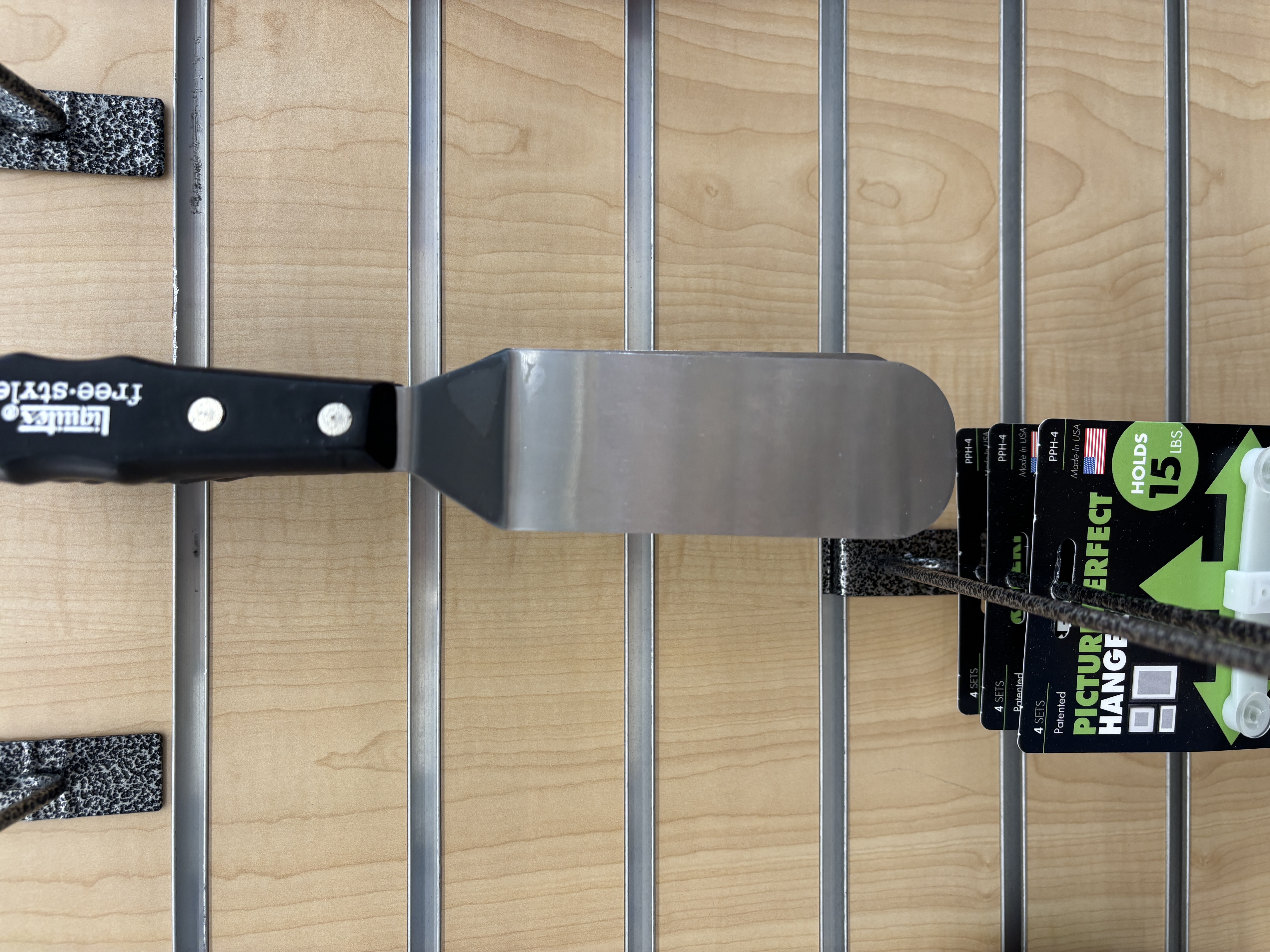
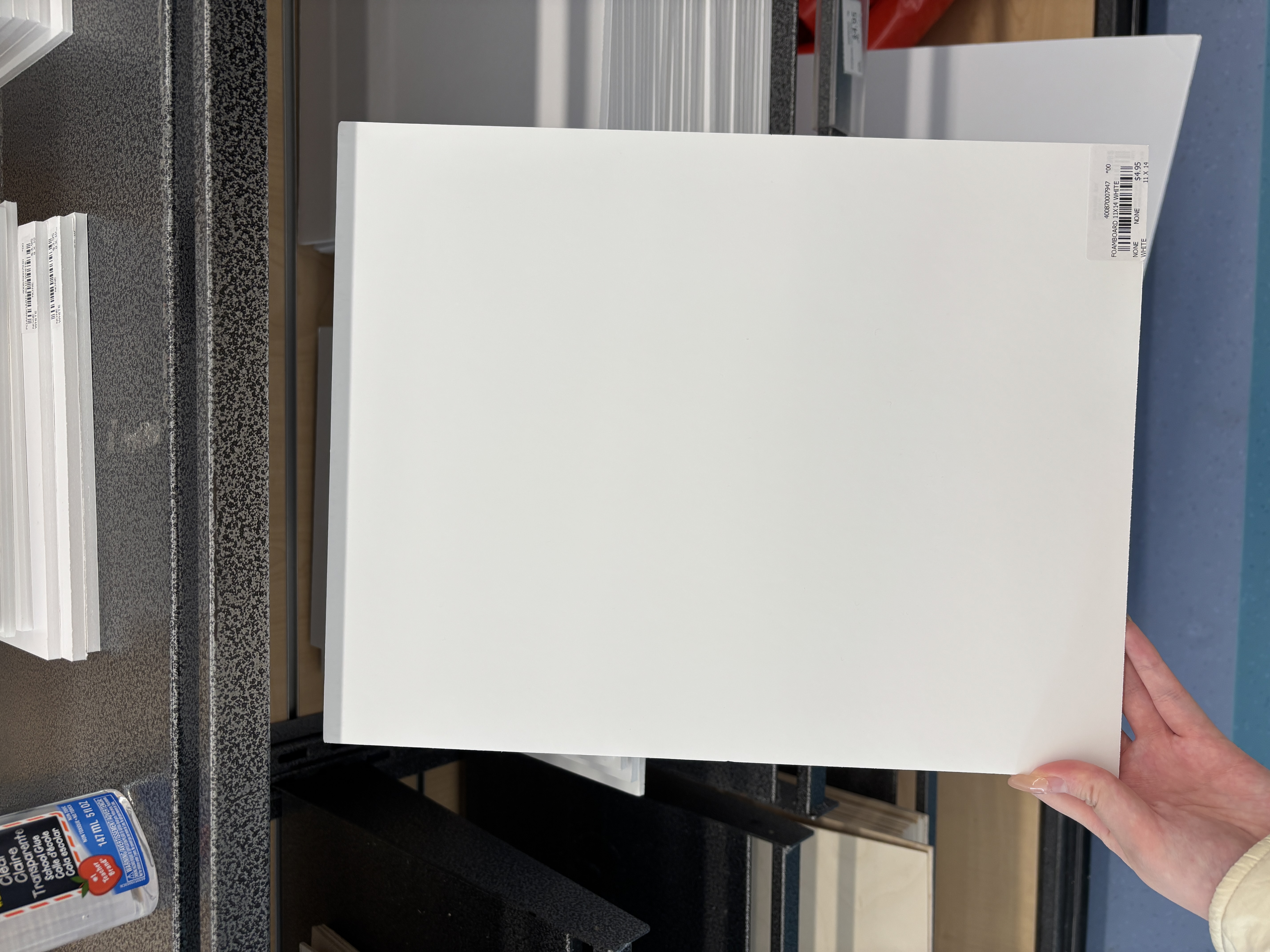
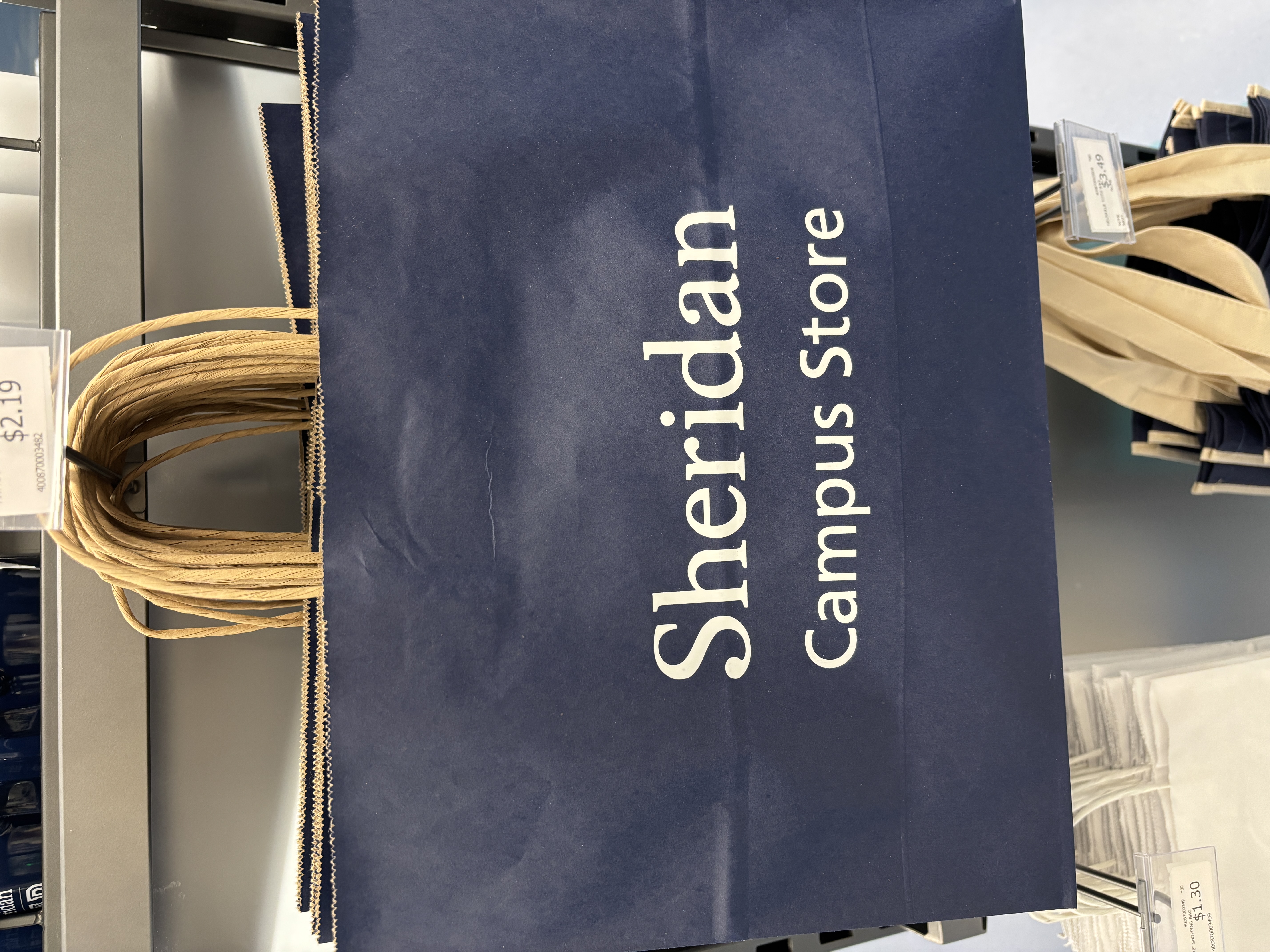
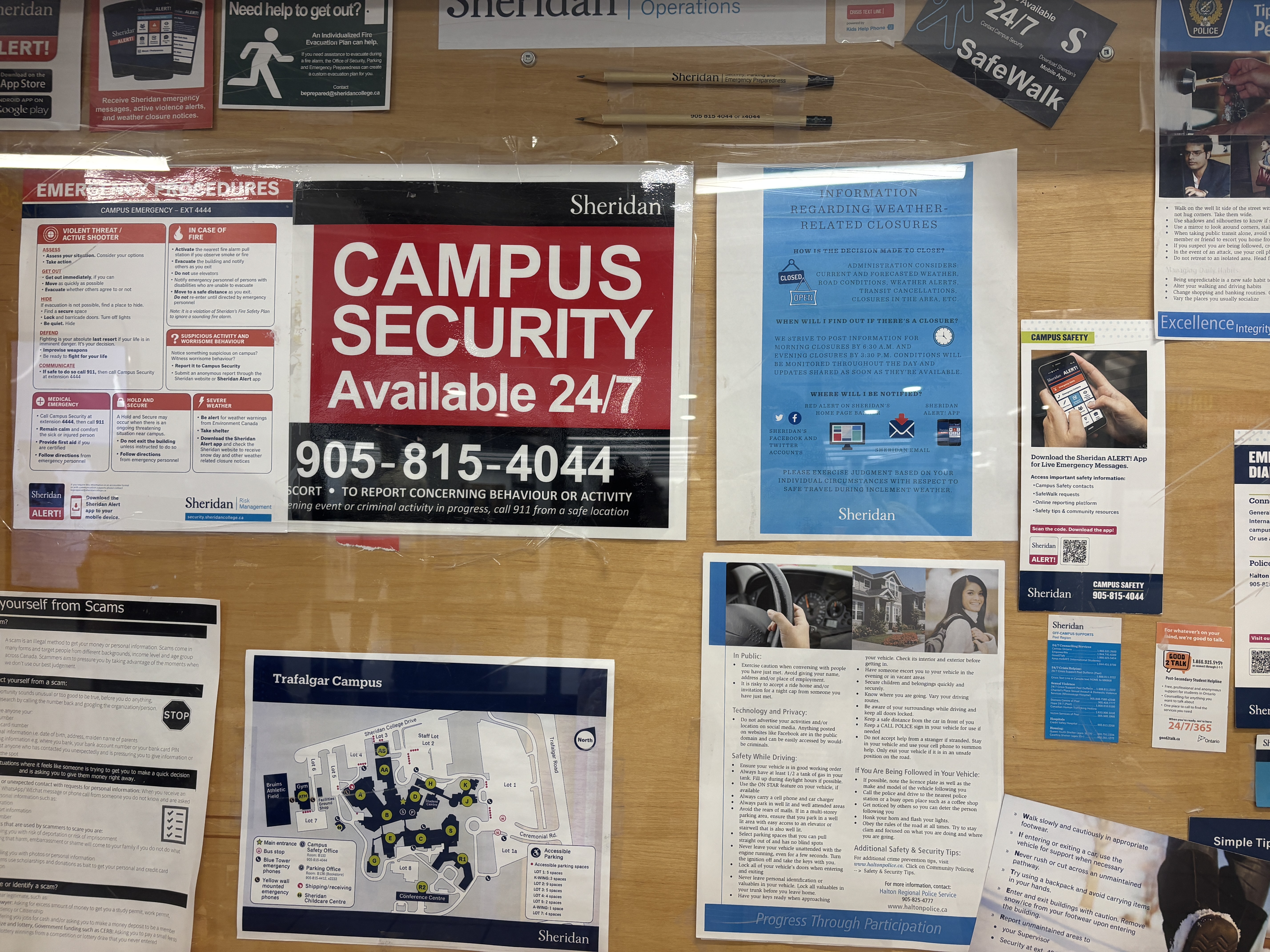
By documenting these twenty-five distinct scenes, I have captured the subtle transition from merely hearing daily noise to actively identifying valuable media assets that exist all around the campus. There are some sounds which are purely functional, such as the constant humming of an air conditioner, while others are just brief interactions like the sharp clink of a metal spatula or the mechanical click of a door button. This exercise, which focuses on objects ranging from library chairs to telephone keypads, allowed me to build a rich sonic library while developing a disciplined habit of observation and respect for my surroundings.

PART 02

Activity 1

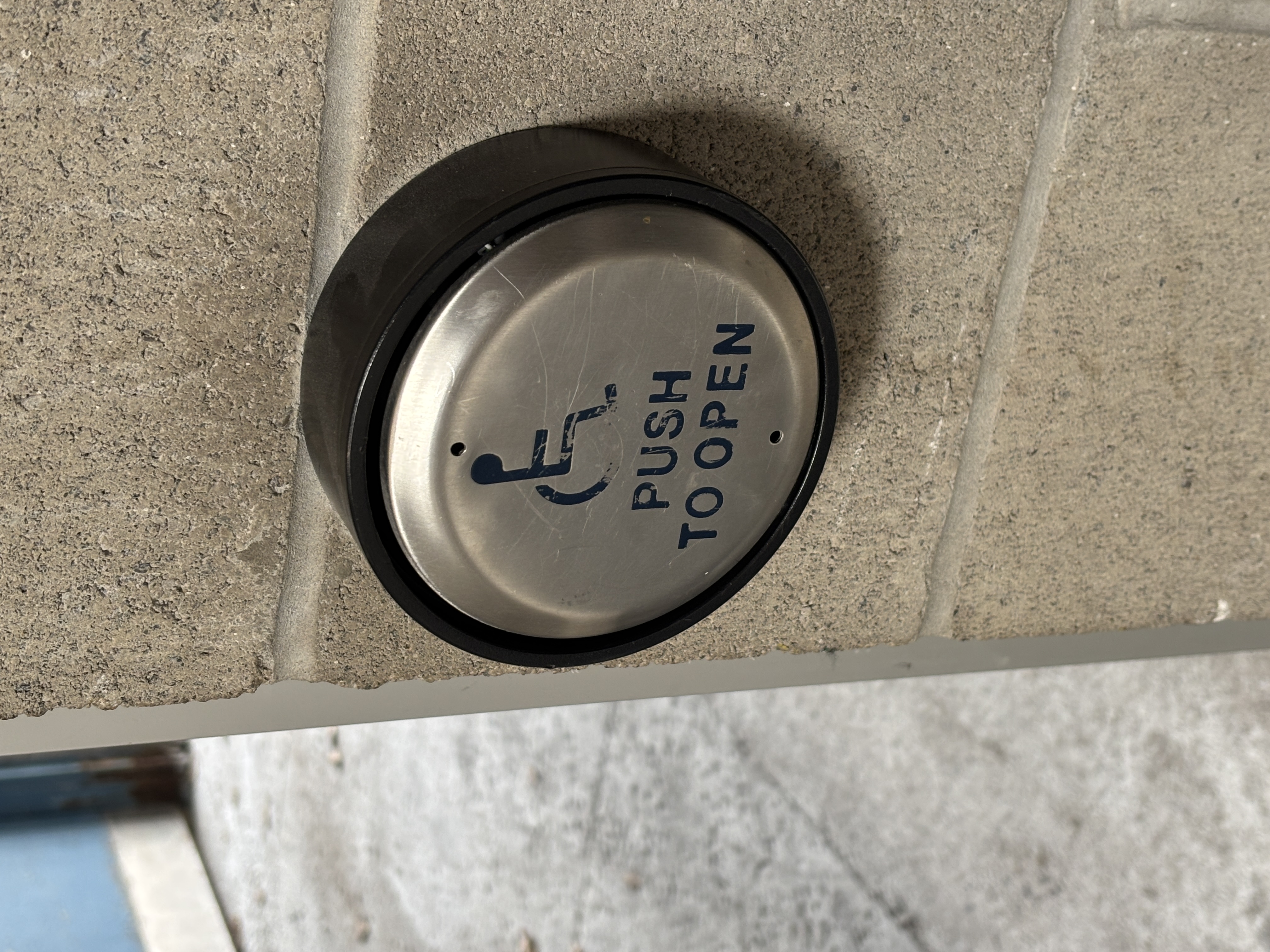
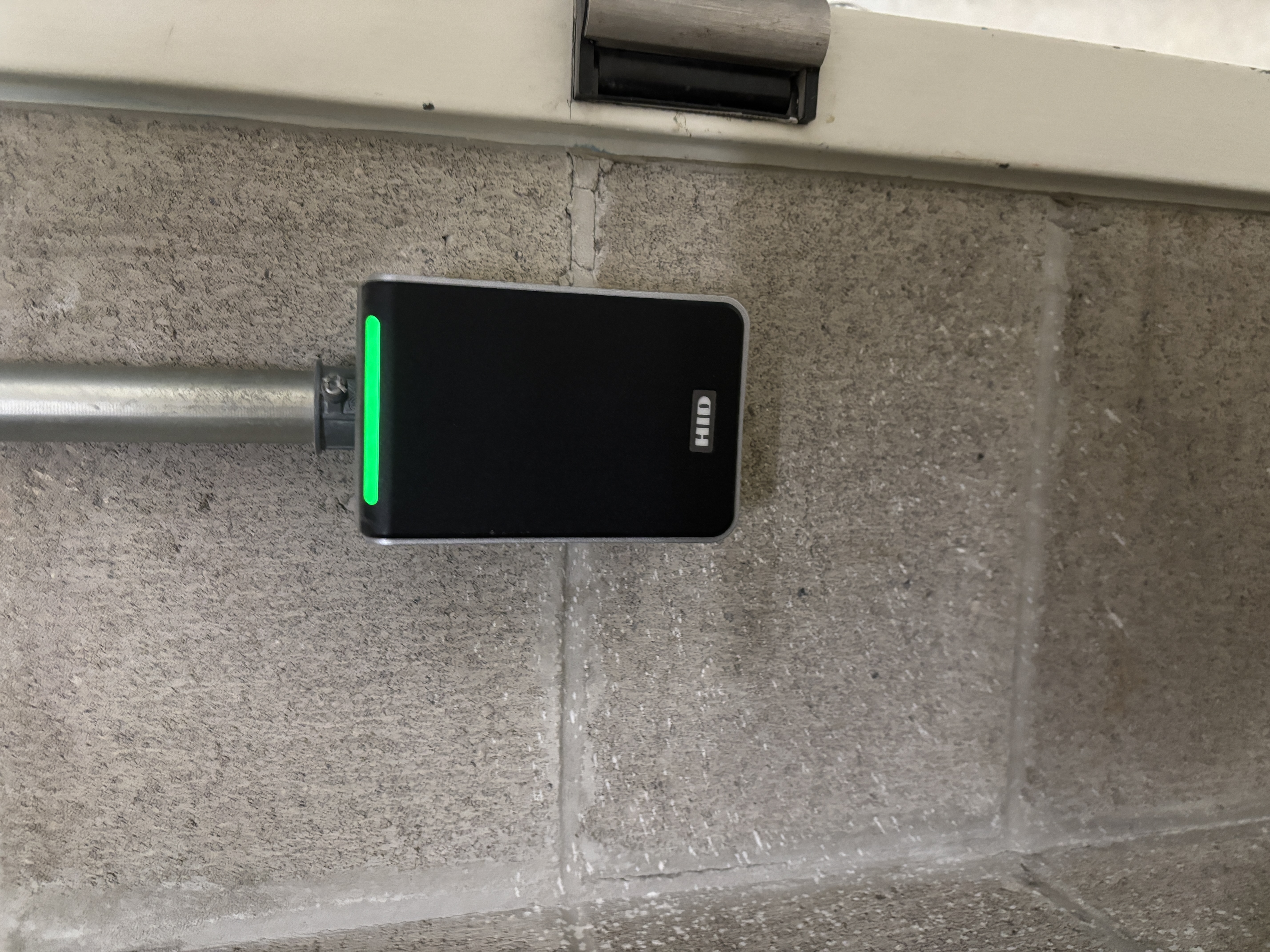
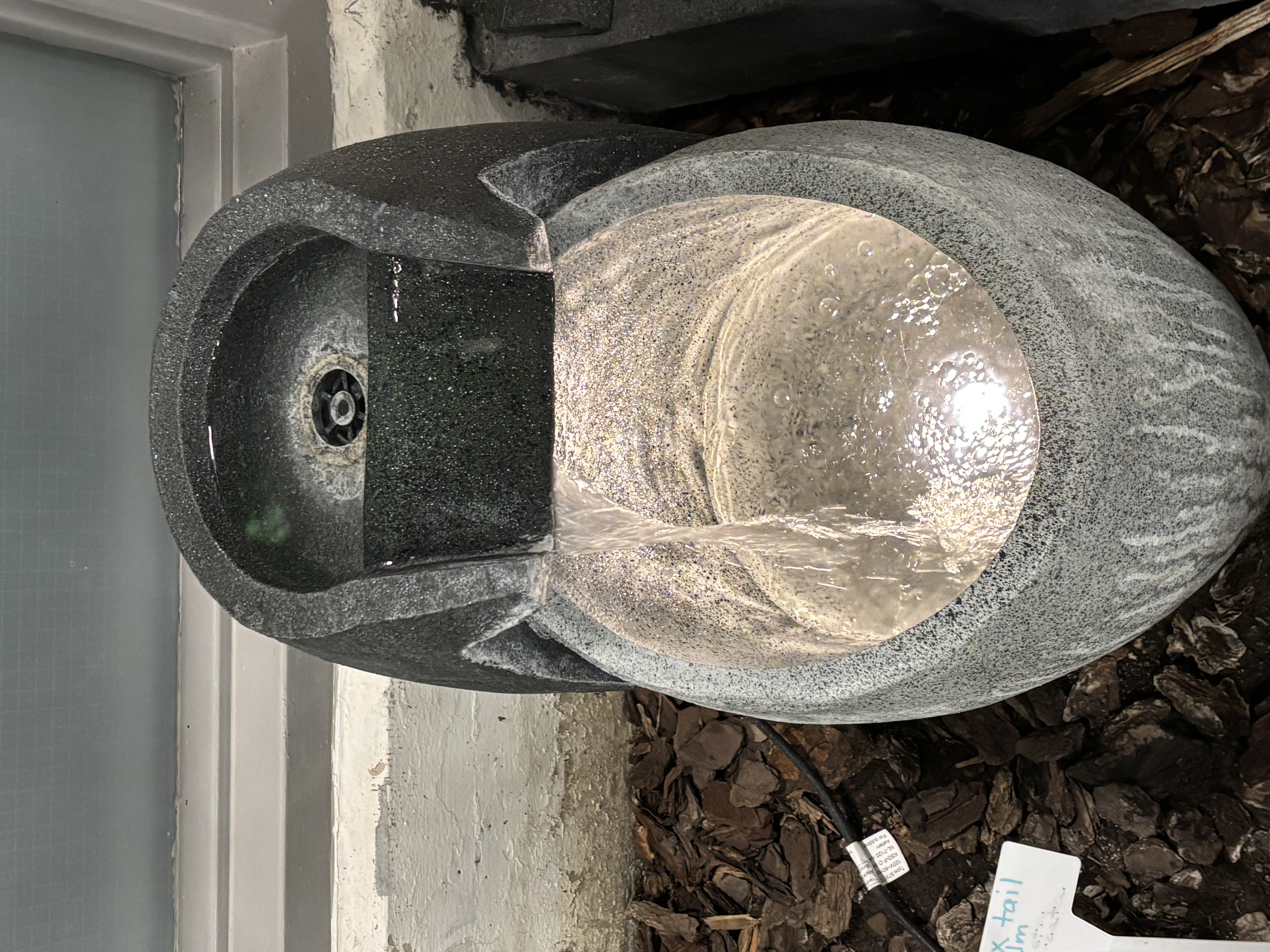
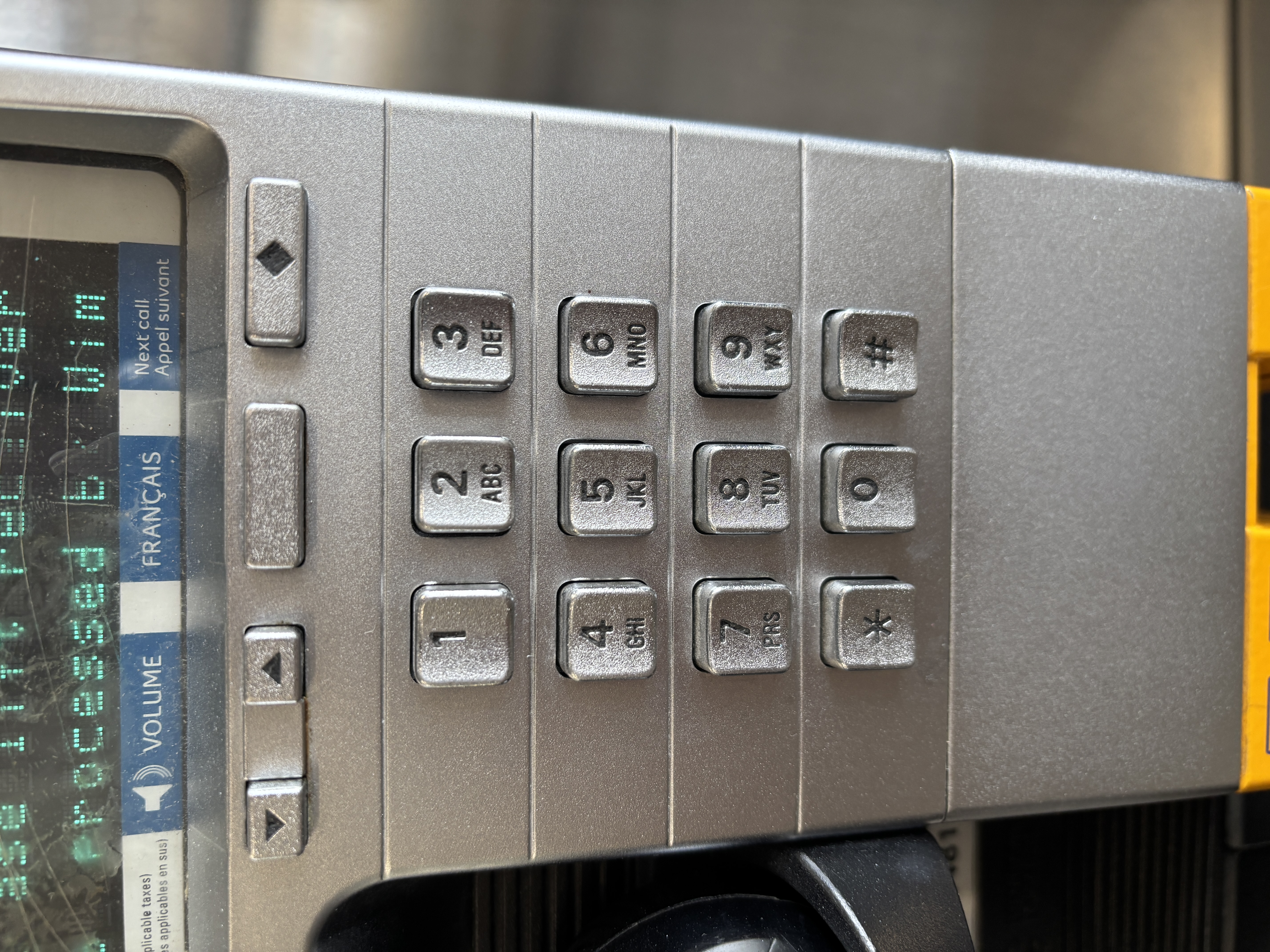
Accessible door button that makes a mechanical trigger sound when pressed. Mobile phone door lock that emits an electronic beep when swiped or unlocked. Library water feature that produces a gentle gurgling sound as the water flows. Telephone keypad that makes a crisp clicking sound when buttons are pressed. Whiteboard marker that makes a light tapping sound when writing or knocking.
Spray bottle that makes a thudding sound when dropped from a shelf. Spray bottle that makes a click sound when opening or closing the cap. An open book that makes a rustling sound as the pages are turned. Metal spatula that produces a sharp metallic clink when it hits a surface. Foam board that makes a light tapping sound when moved or touched.
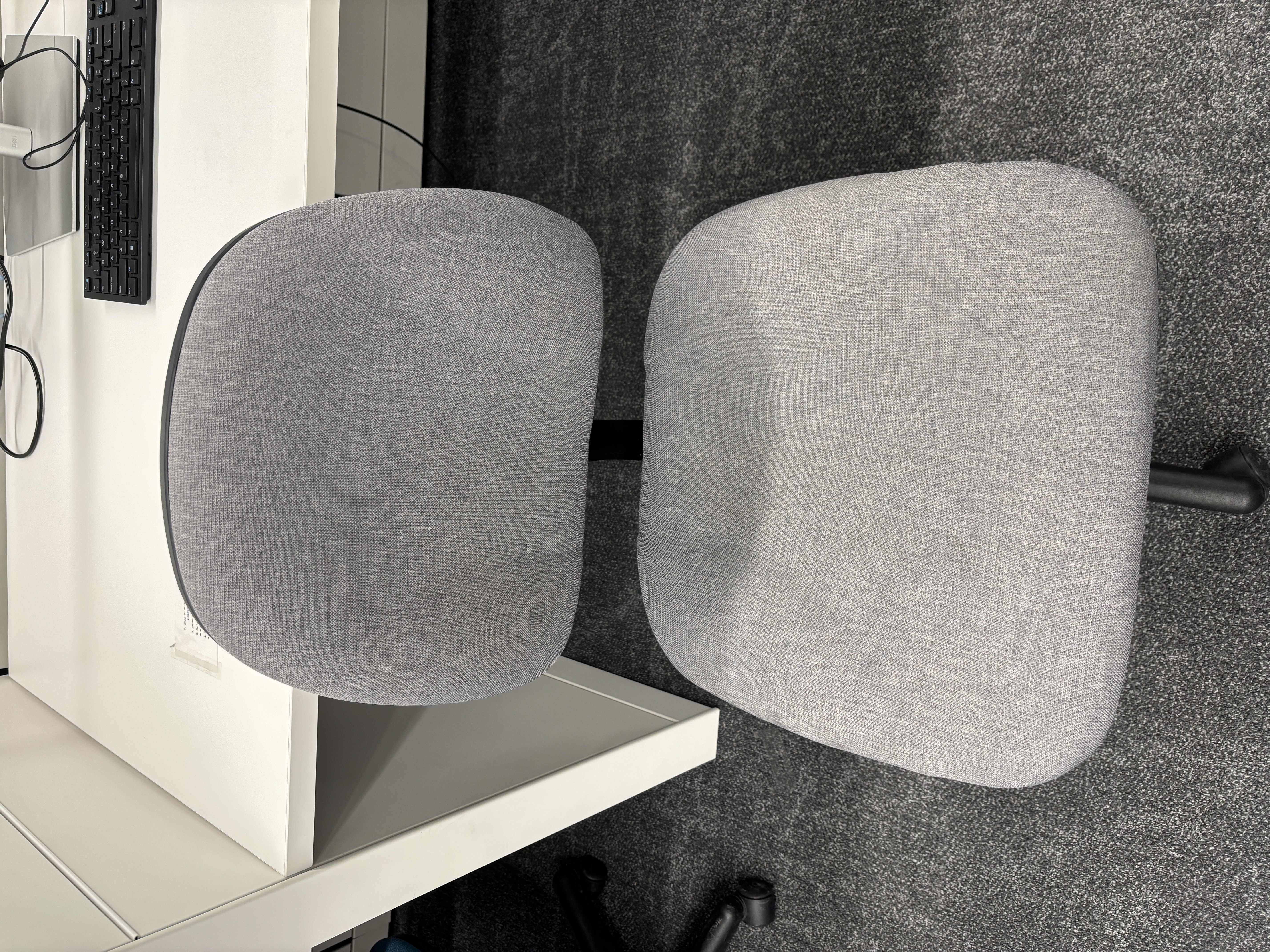
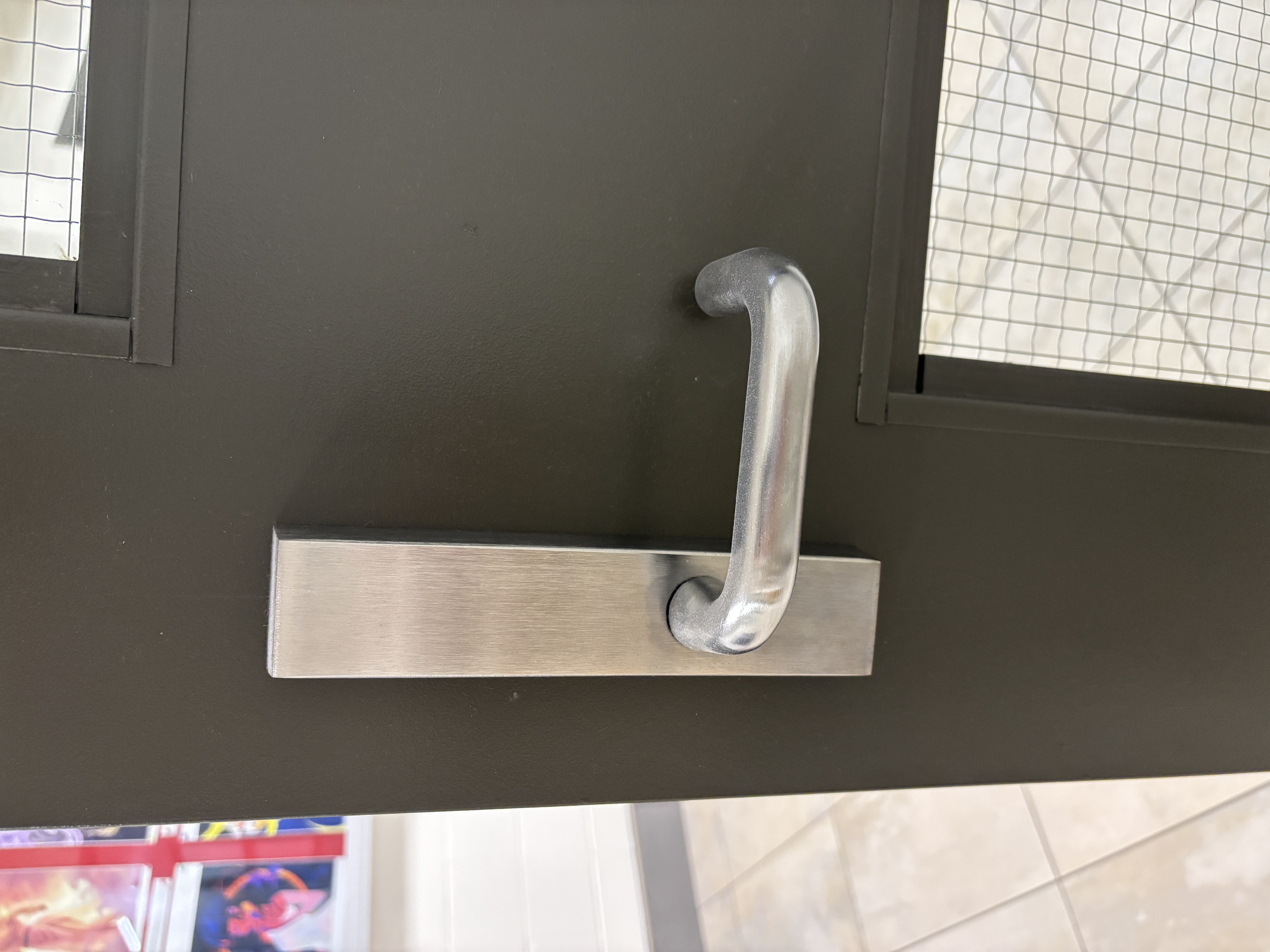
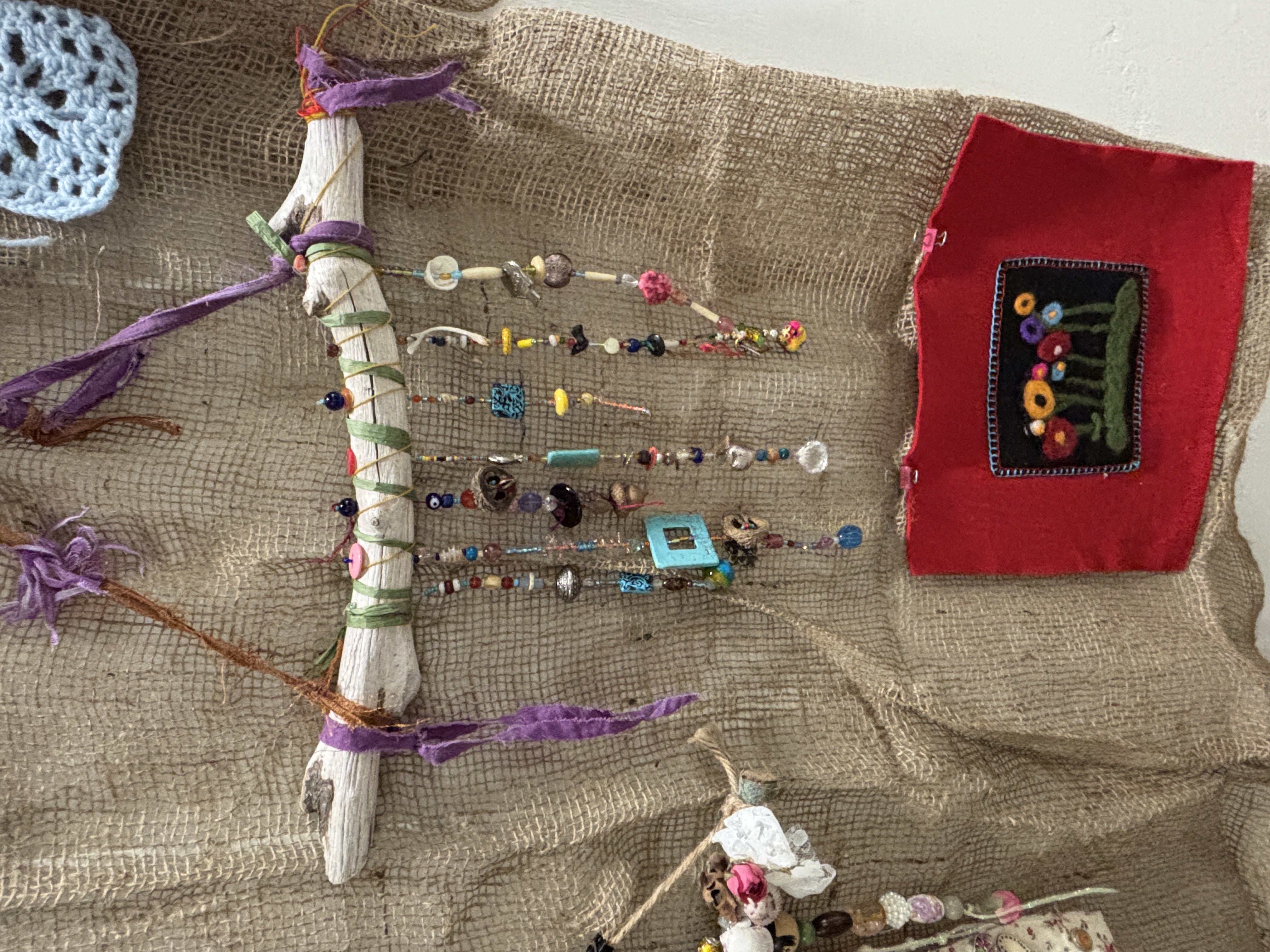
Campus store shopping bag that makes a rustling sound when handled or lifted. Campus safety notice board that makes a light sound when the surface is tapped. Library office chair with wheels that make a rolling friction sound when moved. Metal door handle that makes a mechanical turning sound when twisted. Library beaded decoration that makes a crisp jingling sound when clashing.
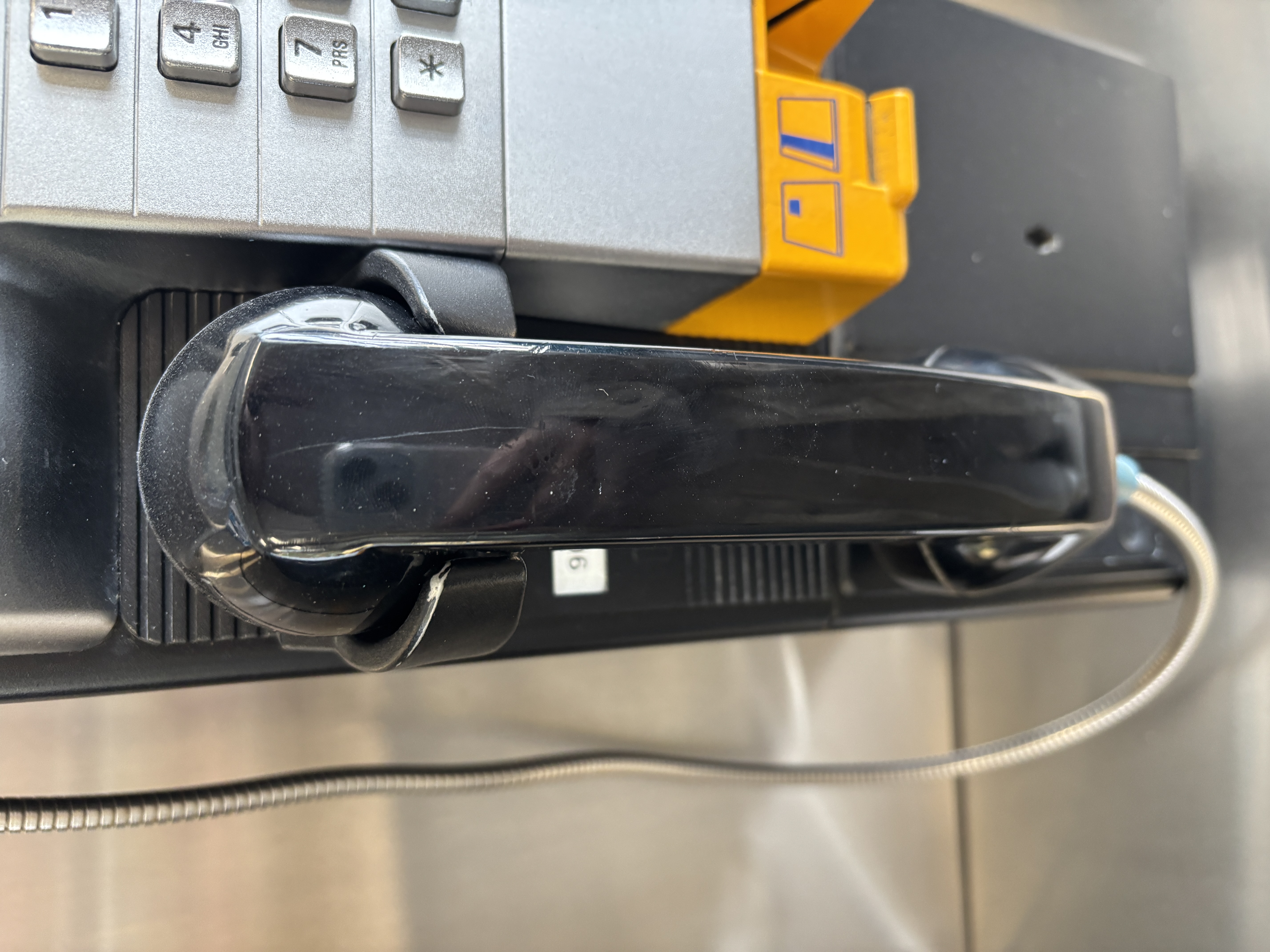
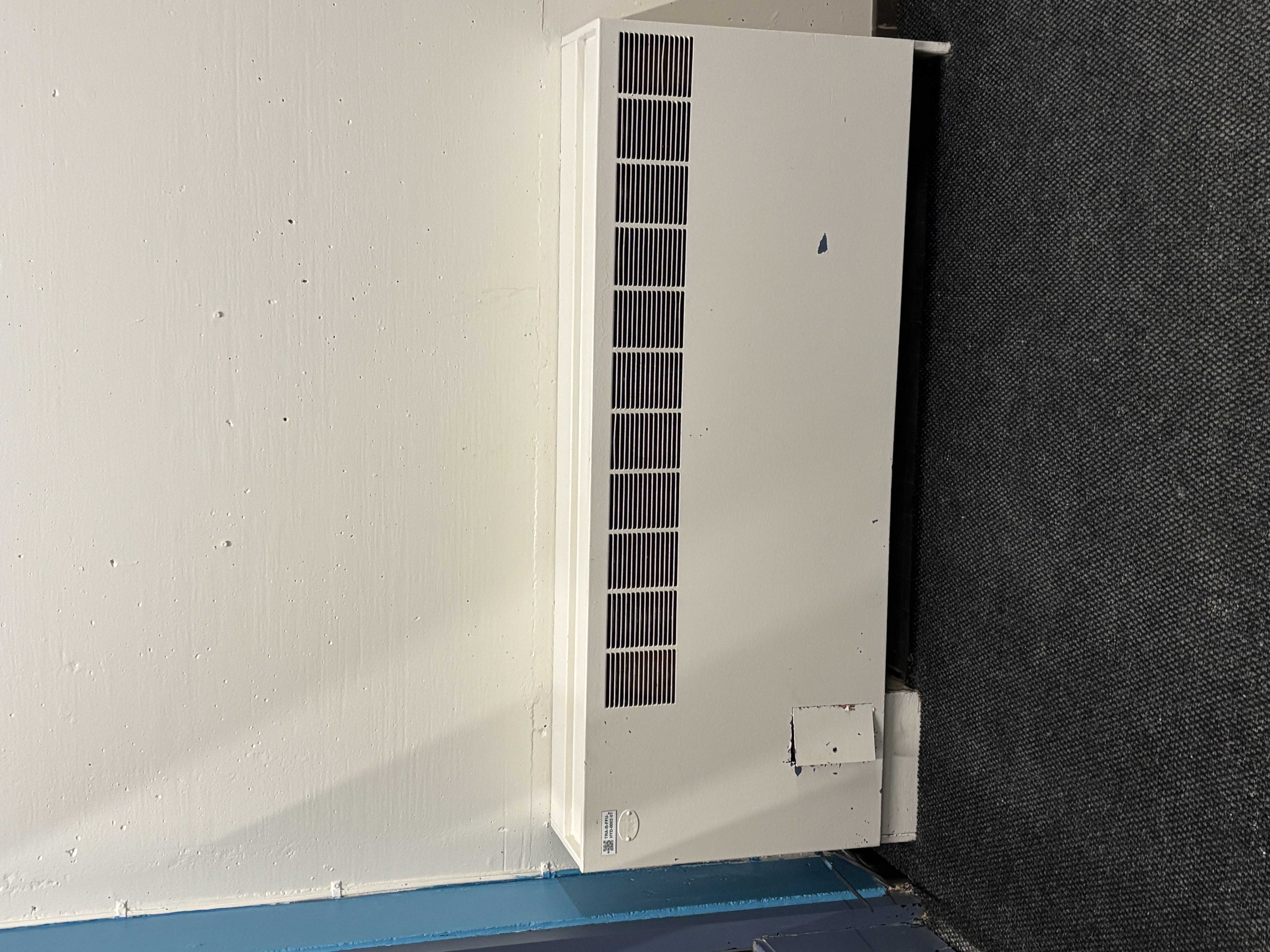
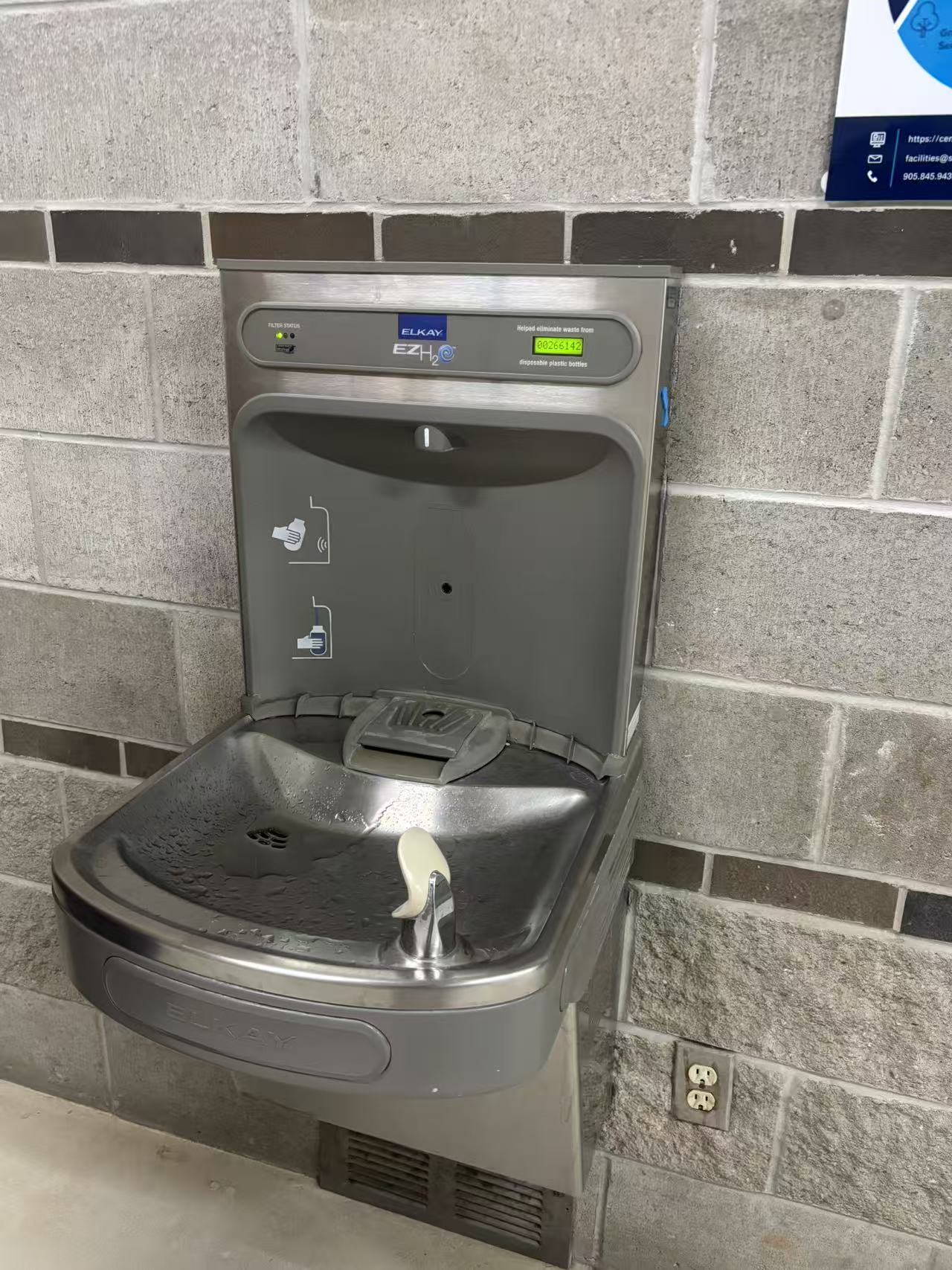
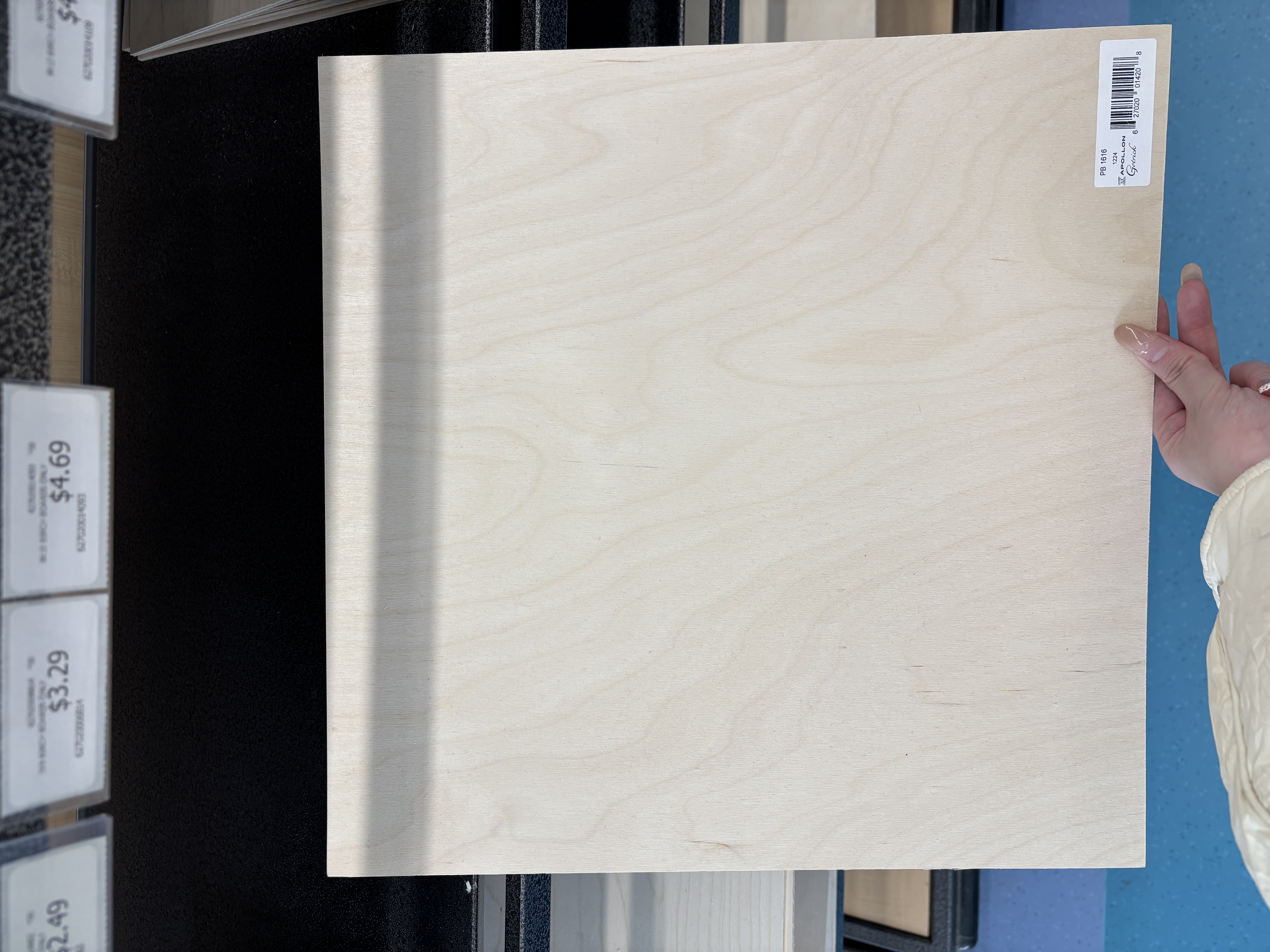
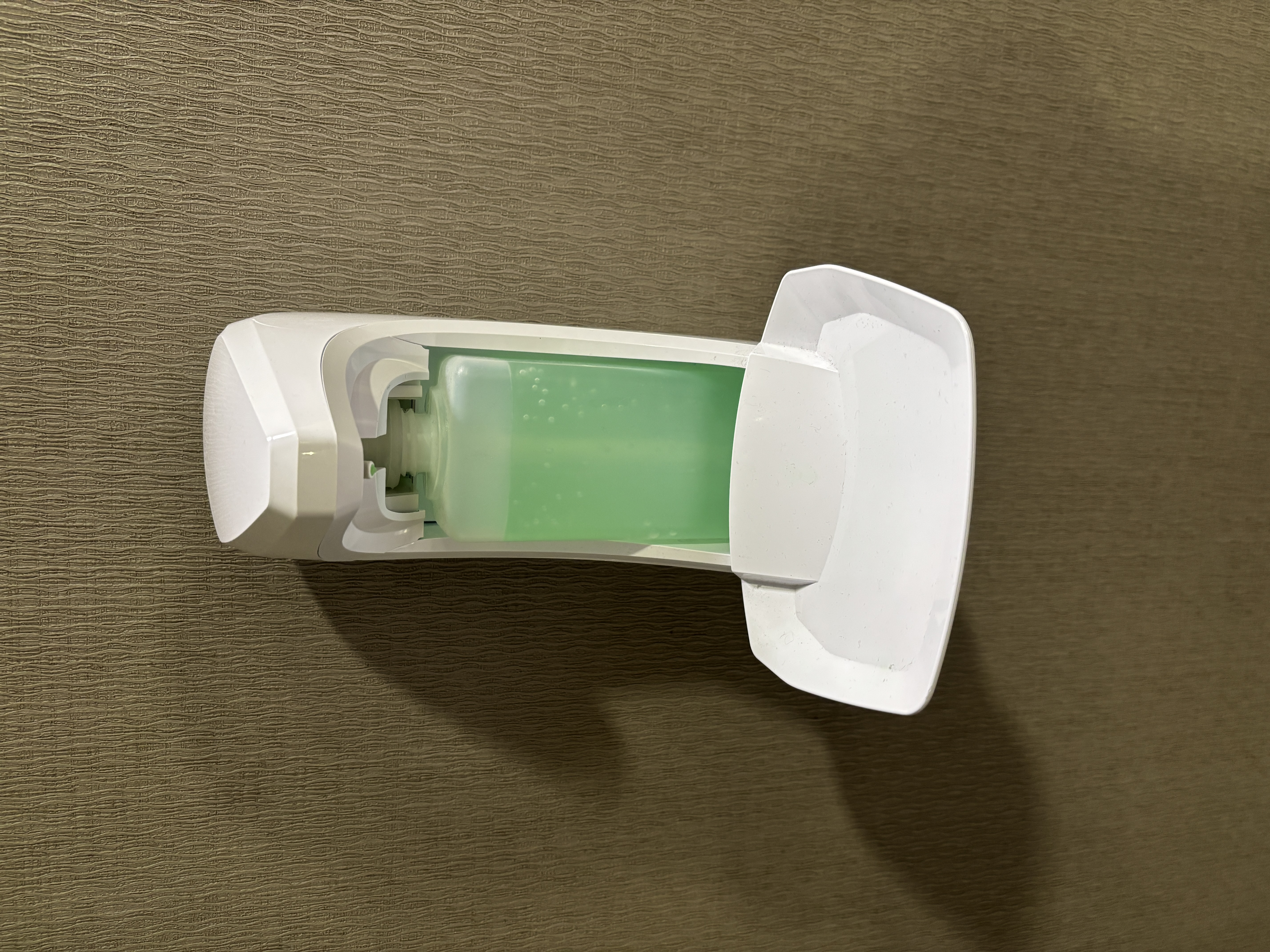
Telephone receiver that makes a clattering sound when picked up or put down. Air conditioner/heater that makes a humming motor sound while operating. Water dispenser that produces the sound of flowing water when filling a cup. Birch board that makes a light thud when tapped or moved. Automatic soap dispenser that makes a mechanical whirring sound when triggered.
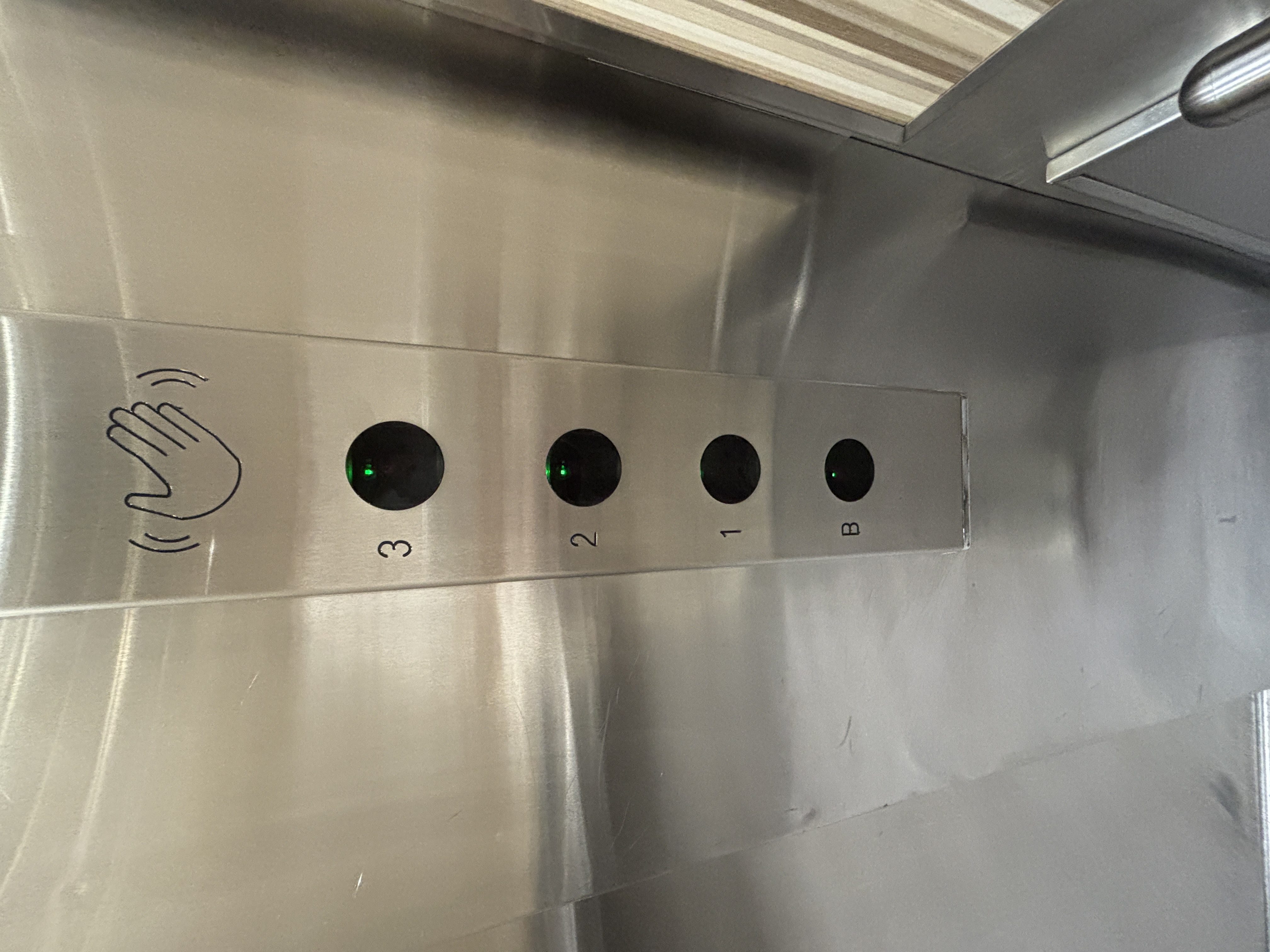
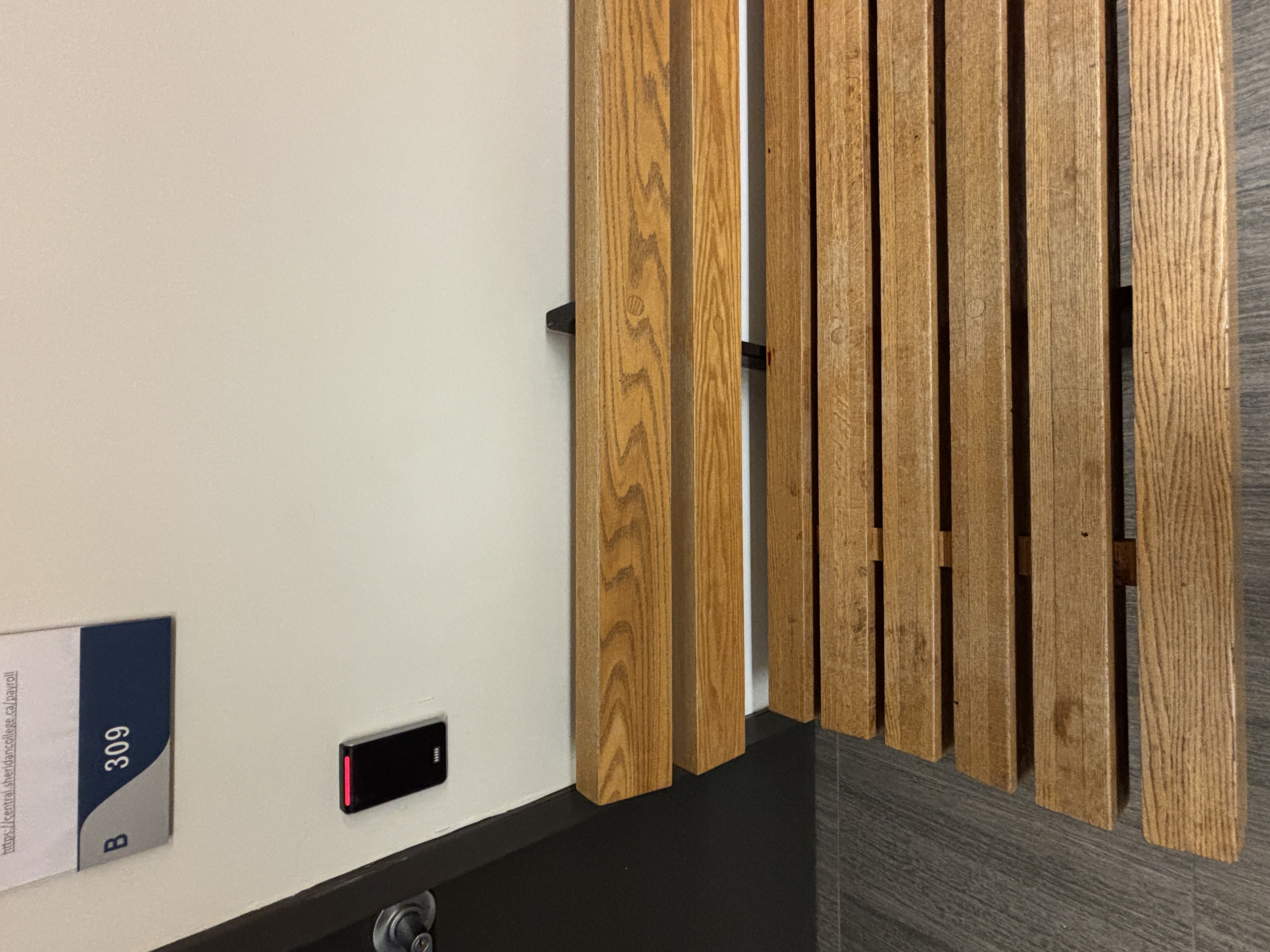
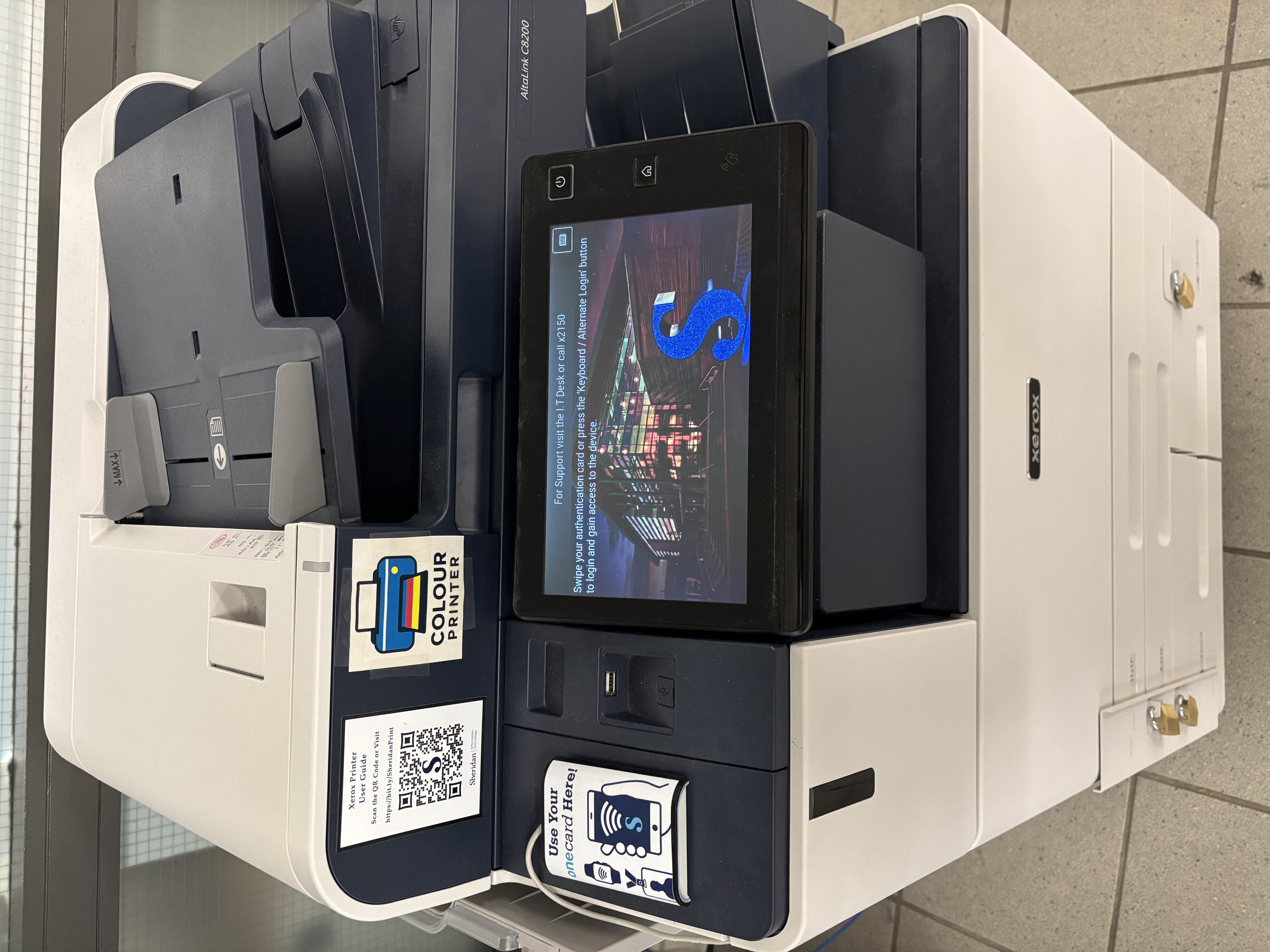
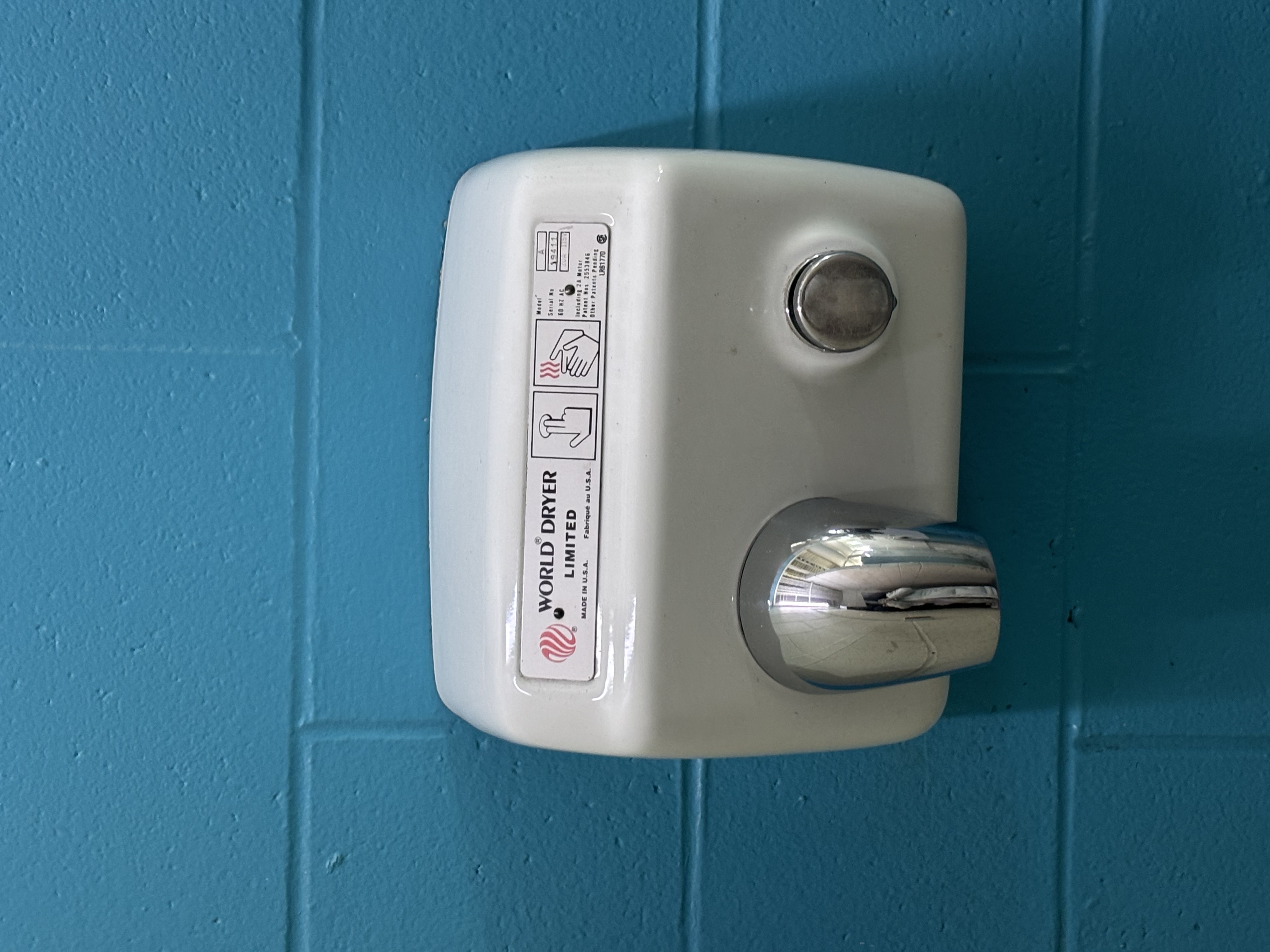
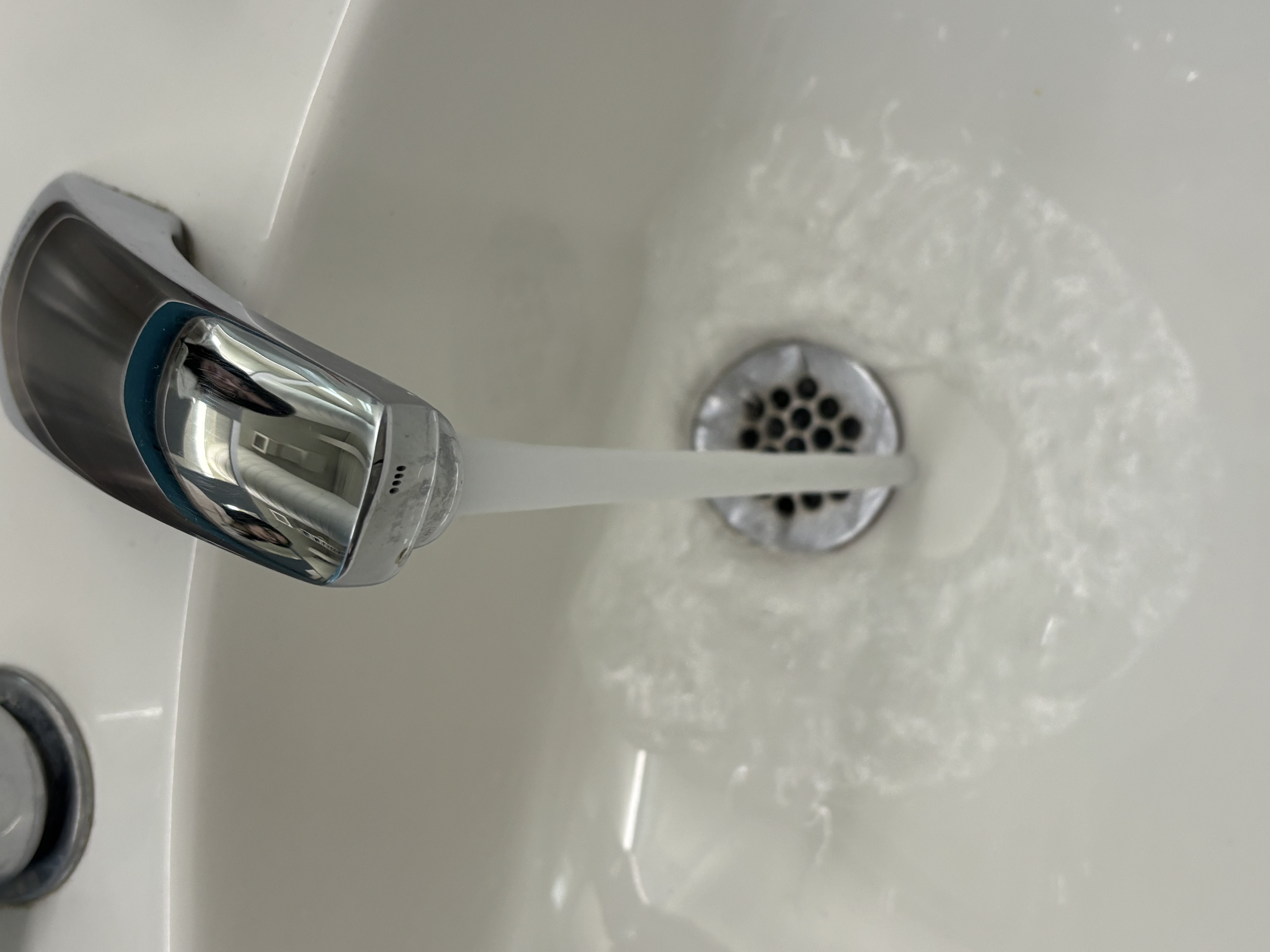
Touchless elevator button that emits an electronic chime when a hand waves over it. Wooden bench that produces a solid wooden sound when tapped. Multifunction printer that makes mechanical printing noises during operation. Hand dryer that makes a loud blowing sound when activated. Water faucet that makes a splashing sound when the water is running.
PART 03

Activity 2

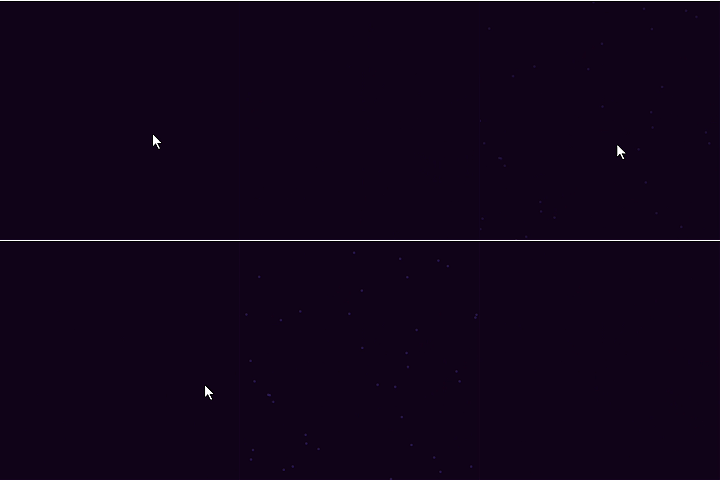
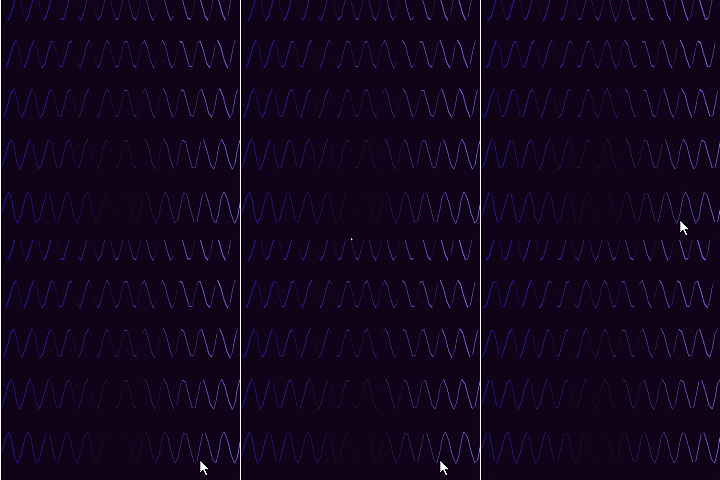
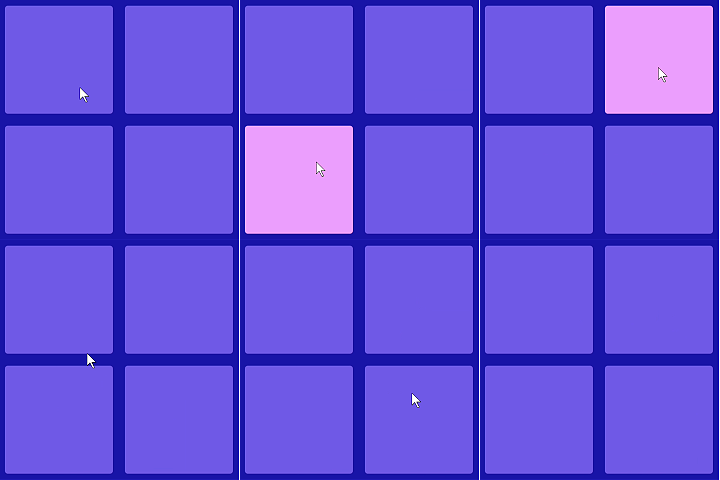
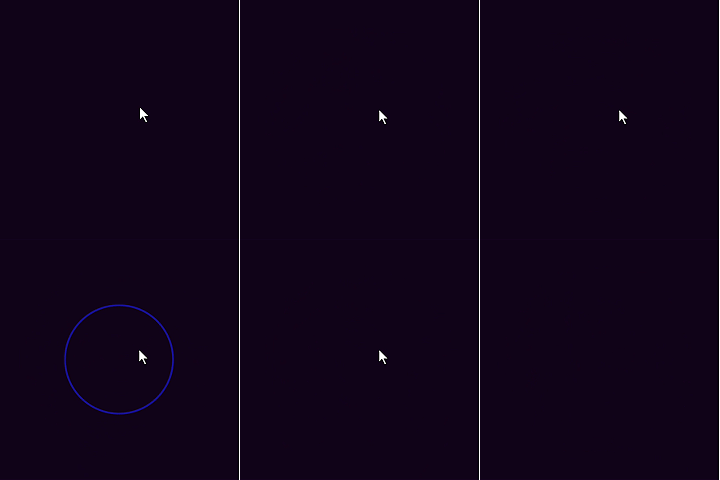
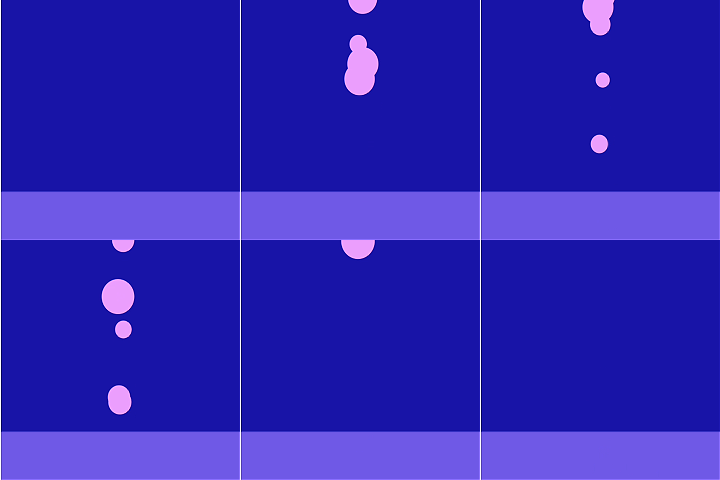
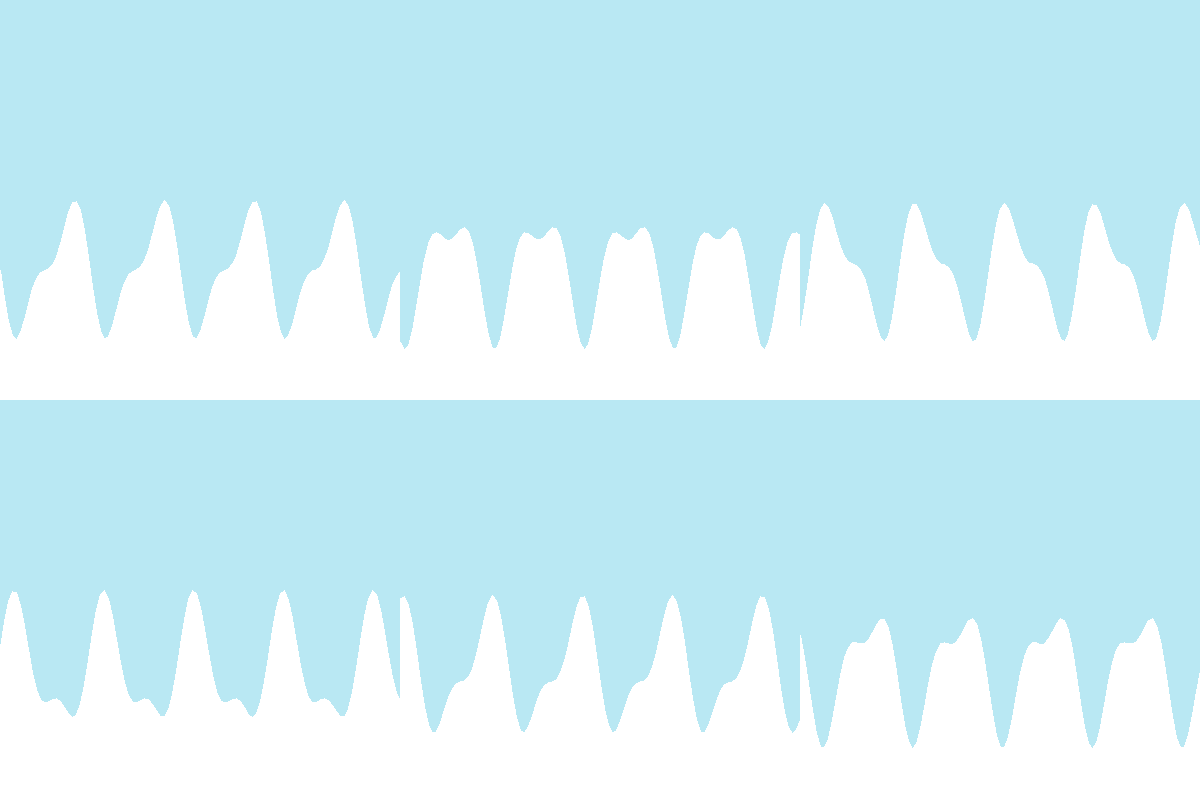
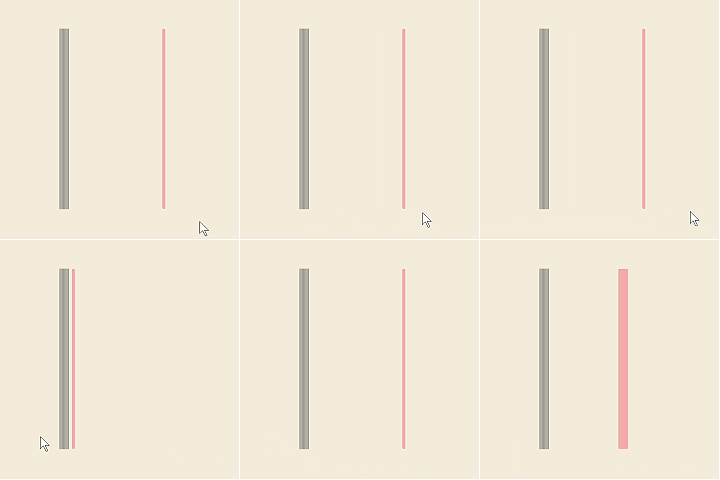
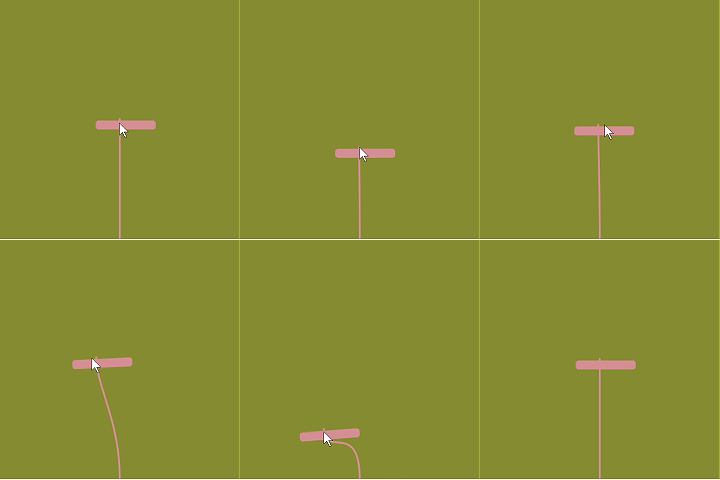
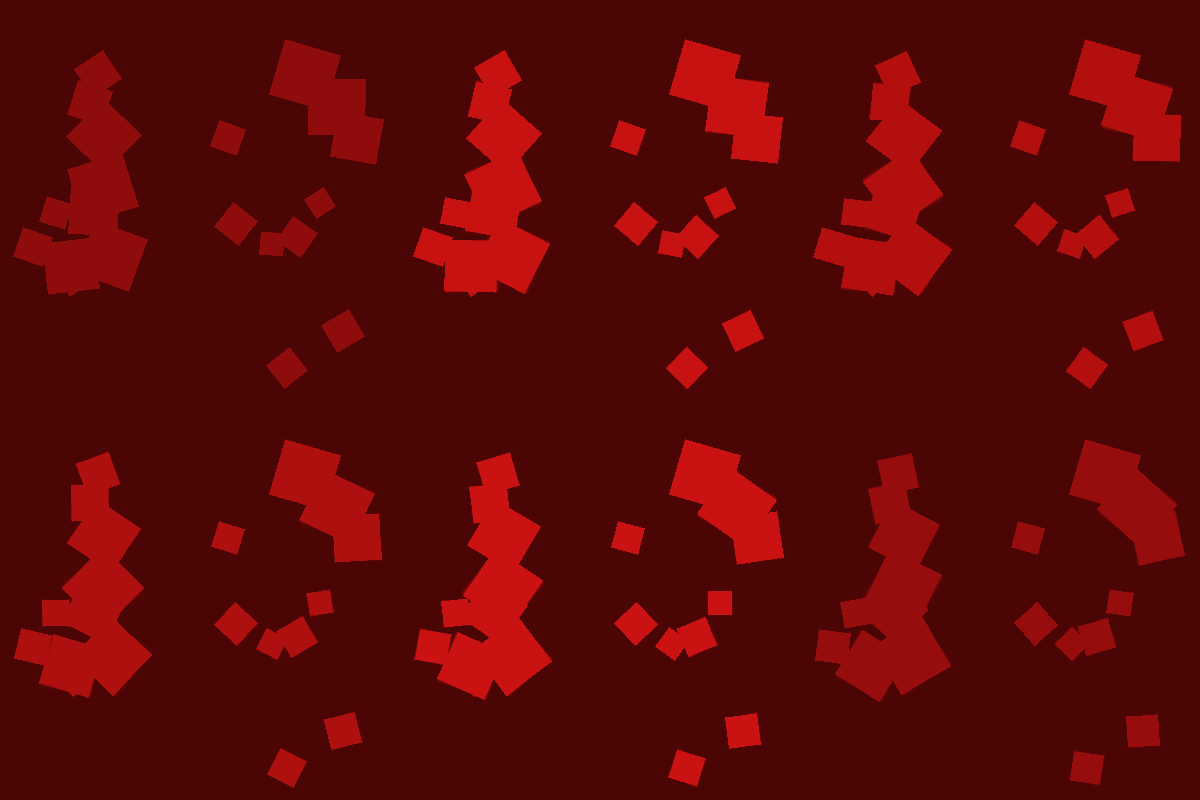
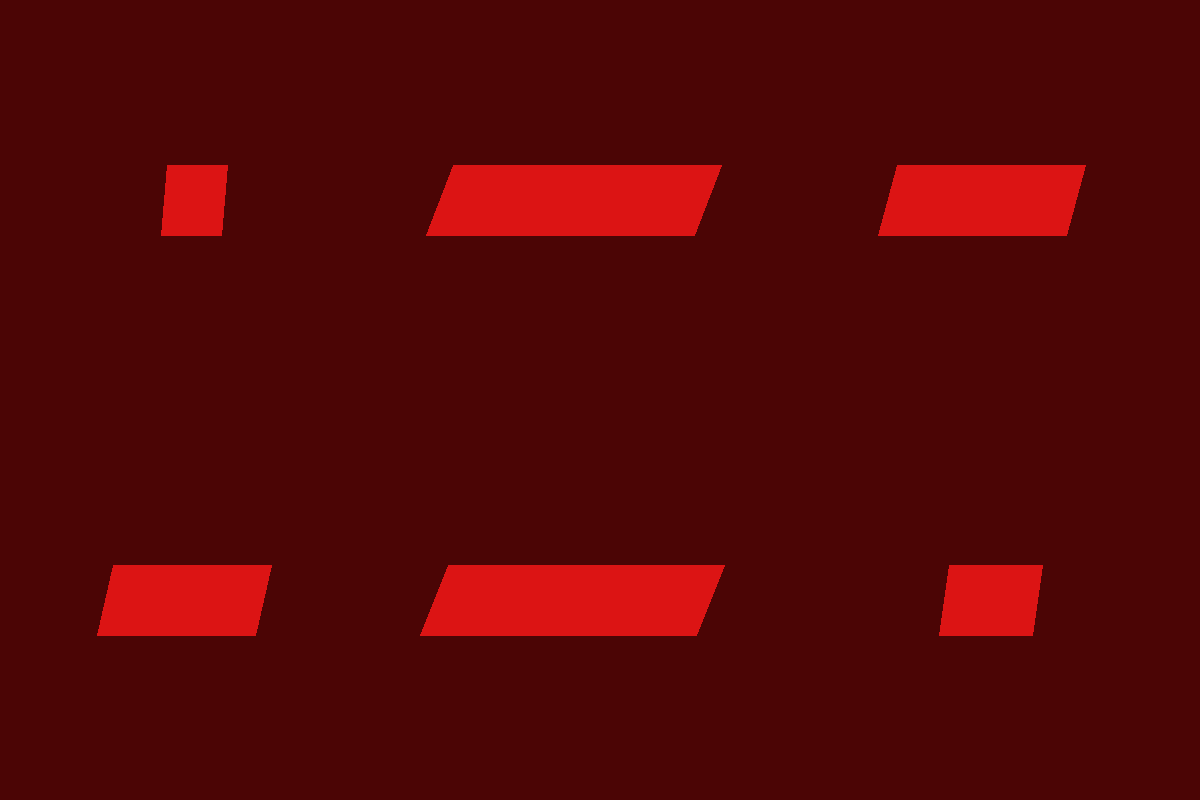
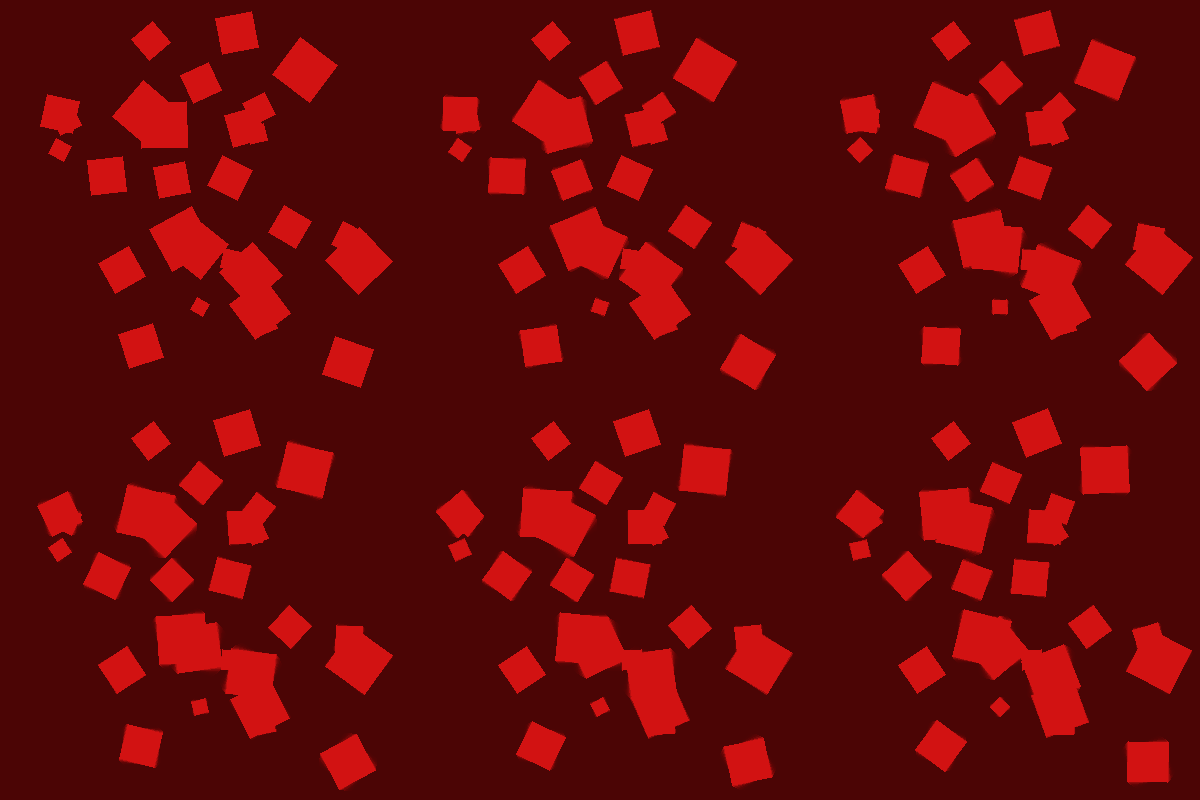
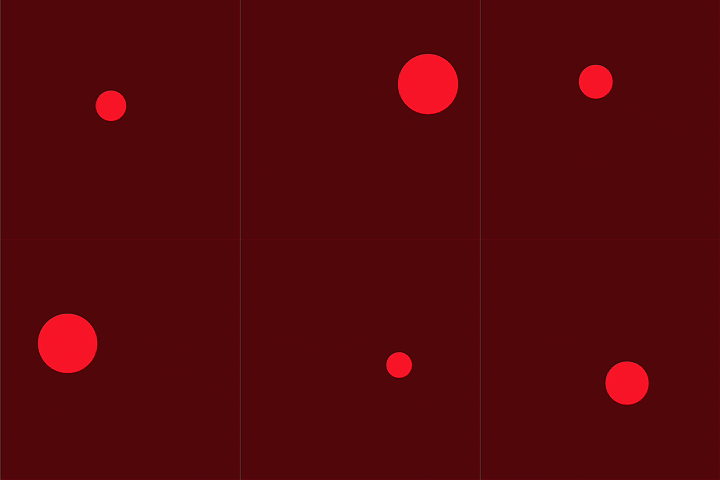
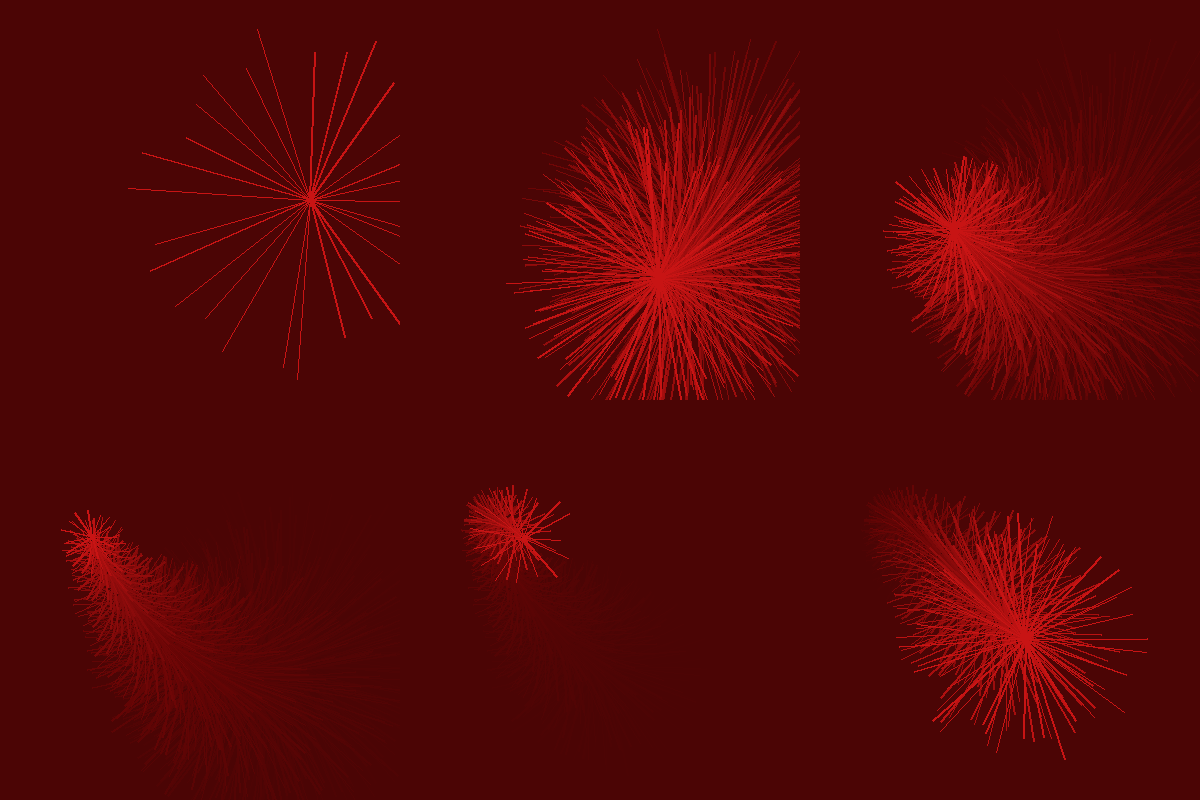
T1 sketch.js – background color changed from grey to deep purple-black; the canvas is nearly invisible in its resting state. T1 sketch.js – oscillator type changed from sine to sawtooth; multiple rows of blue sine-wave lines scroll across a dark purple canvas. T1 sketch.js – background changed to medium purple; four rounded rectangles arranged in a 2x2 grid fill the canvas. T1 sketch.js – background changed to near-black deep purple; the canvas appears almost entirely dark with no other elements. T1 sketch.js – background changed to deep navy blue; a lighter purple horizontal strip sits at the bottom edge of the canvas. The image displays a small white rectangle pulsing against a light cyan background, applying the background() colour change from Tutorial 1 sketch2.js to replace the original dark grey canvas. The image displays a white filled mountain wave rising and falling at the bottom of a cyan canvas, replacing the FFT rect() bars with a beginShape() polygon to visualise synthesised sound differently. The image displays semi-transparent white vertical bars growing upward from the bottom, changing the FFT fill() colour from the original red-orange spectrum[i] formula to a white tone to explore how colour affects audio visualisation. The image displays white scatter dots distributed randomly across a light cyan canvas, replacing the FFT rect() with ellipse() at random(width) and random(height) positions to convert the frequency spectrum into a snow-like particle field. The image displays a denser field of white particles appearing more rapidly on a light cyan background, achieved by changing frameCount % 60 to frameCount % 30 to trigger note events twice as fast and double the visual density. The image displays a thick grey vertical line and a thin pink vertical line against a warm cream background, replacing both ellipse() shapes from Tutorial 2 sketch5.js with line() calls to represent volume and rate as simple linear indicators. The image displays a grey rounded rectangle whose width and height shift as the mouse moves across a cream canvas, replacing ellipse() with rect() and mapping mouseX and mouseY to the rectangle dimensions using the map() function from the tutorial. The image displays a small red dot travelling across a cream canvas following the cursor, produced by reducing the ellipse() diameter from 200 to 12 and repositioning it at the exact mouseX and mouseY coordinates to shrink the visual footprint of the interaction. The image displays a compact grey rounded rectangle near the bottom of a cream canvas gently pulsing in size, using the constrain() function introduced in Tutorial 2 sketch5.js to keep the shape within a defined boundary regardless of mouse input. The image displays twenty-four pink lines radiating outward from the mouse position against a grey background with a motion trail, replacing the ellipse() shapes with a for-loop of line() calls and applying the low-opacity background() technique from Tutorial 2 sketch6.js to create a residual blur effect. The image displays a yellow-green horizontal bar and a blue-grey vertical bar animating independently against an olive green canvas, replacing both ellipse() calls with rect() shapes and mapping mouseX and mouseY separately to each dimension using the map() and constrain() functions from Tutorial 2 sketch5.js. The image displays a yellow-green circle connected to a pink horizontal line that stretches toward the right edge of an olive green canvas, keeping one ellipse() and adding a line() call to explore how a single shape can be extended into a compound visual indicator for song.amp() controlled by mouseX. T2 sketch5.js – background olive green; ellipses replaced by a pink rounded horizontal bar with a vertical pink line descending from its center. The image displays a light olive-green rectangle resizing and repositioning smoothly against a darker olive background, replacing both ellipse() shapes with a single rect() whose width and height are driven by mouseX and mouseY through the map() function from Tutorial 2 sketch5.js. The image displays scattered red diamond shapes rotating slowly across a deep wine-red canvas with a lingering motion trail, applying push() and rotate() with QUARTER_PI to transform rect() into diamonds and using a low-opacity background() from Tutorial 2 sketch6.js to accumulate residual blur. The image displays a red parallelogram pulsing in width against a deep wine-red background, replacing ellipse() with a quad() call to define a four-point polygon and mapping the width to a sine wave animation to show how custom shapes respond to audio-driven values from Tutorial 2 sketch6.js. The image displays a larger collection of red rotating diamonds packed densely across a wine-red canvas with a strong motion residue, building on the previous rotate() and rect() technique by increasing the number of shapes and rotation speed to explore how quantity and pace change the visual energy of the sketch. The image displays a single red circle at the centre of a wine-red canvas expanding and contracting with each cycle, replacing the two offset ellipse() calls from Tutorial 2 sketch6.js with one centred ellipse() whose radius is mapped to a sine wave to simulate the breathing pulse of song.amp(). The image displays a horizontal and a vertical line crossing at the centre of a wine-red canvas with their thickness growing and shrinking over time, replacing ellipse() with two line() calls and using strokeWeight() mapped to a sine wave to reflect how song.rate() from Tutorial 2 affects the weight of interaction. The image displays a burst of red lines radiating outward from a moving point across a wine-red canvas with an intense motion trail, combining a for-loop of line() calls with a very low-opacity background() from Tutorial 2 sketch6.js and mapping the number and length of lines to mouseY and mouseX to push the residual blur technique to its visual limit.
PART 04

Project 2

Final Design  ✦

P5 Interactive Audio Web Header

The Sound of Melting  ·  Voice-driven Interaction

Question 01  ·  Engagement

How did you engage with the project theme?

I engaged with the project theme by designing an interactive sound experience called The Sound of Melting. The concept treats sound as a physical force — something that can transform the material state of an object. I used a soft-serve ice cream cone as the interaction subject because it is familiar, thermally unstable, and emotionally charged. The cone is built from 65 overlapping semi-transparent circles. When users speak into their microphone, their voice drives three distinct physical responses: Smash (solid rupture), Melt (liquid droop), and Freeze (crystallisation through silence). Each mode gives the user a completely different interaction contract with the same visual form.

Question 02  ·  Success

What was successful?

The three-mode physics system worked effectively. Each mode responds to microphone amplitude in a visually distinct way — Smash explodes scoops radially outward, Melt droops them downward under gravity, and Freeze holds them completely still until silence is detected. The spring-return physics ensures that all particles always come back to their home positions, keeping the sketch recoverable after any interaction. The landing page with three mode-selection cards also worked well — it clearly communicates the concept before any sound is made and reduces the cognitive load of entering the experience. The overall colour system (pink for Smash, warm orange-red for Melt, grey for Freeze) helped users immediately feel the temperature and energy of each mode.

Question 03  ·  Challenge

What was challenging?

The biggest technical challenge was the browser gesture requirement. Web Audio API blocks microphone access until the user clicks something, which caused a blank screen on first load. I solved this by adding a click-to-enable screen before the sketch starts. A second challenge was off-screen particles — when high amplitude was applied, scoops flew off the canvas and never returned. I fixed this with a spring-return force on every particle. A third challenge was low contrast in Freeze mode: the grey scoops became nearly invisible against the light blue background. I solved this by increasing stroke weight and darkening the stroke colour specifically for that mode. Finally, mode-switching mid-interaction caused velocity carryover — I fixed this by resetting all particle velocities to zero on every mode switch.

Question 04  ·  Research

How did you explore the lecture content?

I drew on lecture content about the four dimensions of sound experience — physiological, cognitive, emotional, and behavioural. Voice as a physical input (physiological), immediate visual causality between sound and form change (cognitive), the affective charge of ice cream as a comfort object under stress (emotional), and the distinct interaction loop each mode creates through its physics parameters (behavioural). I also researched Bill Viola's The Messenger (1996) and Granular-Synthesis's Modell 5 (1994) as artist references. Viola's loop structure and body-as-transformation-site concept directly informed how I designed the rest state. Granular-Synthesis's idea that form emerges from massed identical units informed the 65-circle scoop architecture.

Question 05  ·  Reflection

How does this website summarize your work and go beyond activities 1 & 2?

Activity 1 built a sonic library of 25 campus sounds and introduced the idea of voice as a force rather than a signal. Activity 2 explored visual responses to those sounds through 25 GIF iterations, narrowing the form toward the soft-serve cone and spring physics. The final project takes those discoveries further by combining all three outcomes into one coherent system: a multi-mode voice-driven sketch with a professionally designed landing page, physics tuned per mode, and a visual language consistent across all states. The project goes beyond the activities by introducing mode-switching architecture, semantic idle breathing (Freeze holds still, Melt sags, Smash breathes gently), and a fully published interactive experience on the Phoenix server.
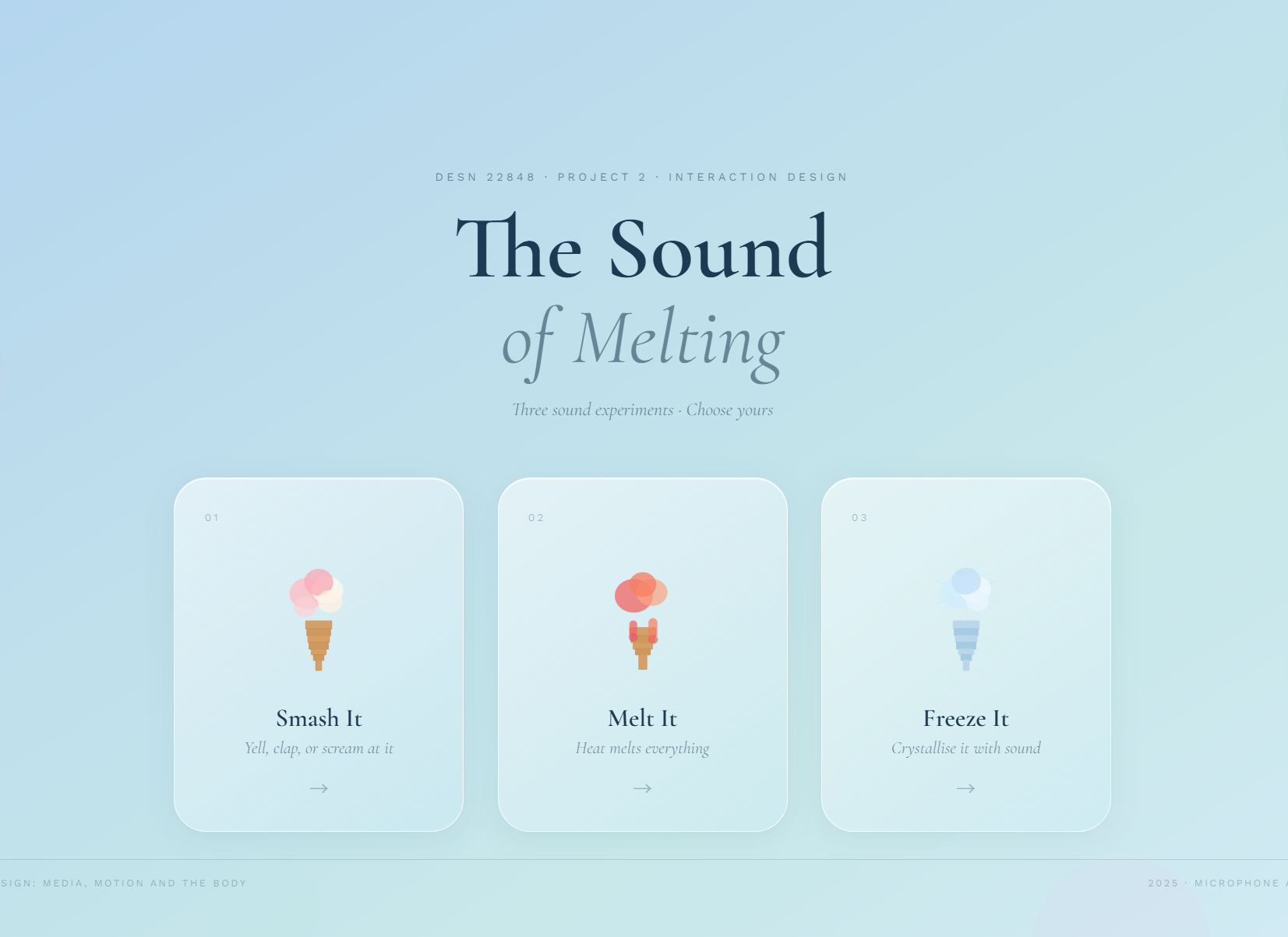
✦   Click Here to View the Website
Final Project Screenshot